
SBS HRM System
Screenshots & gallery
Curated frames from attendance, payroll, accounting, sales, helpdesk, and system settings. Thumbnails use a compact layout so you can scan more modules at once; run the capture pipeline to refresh assets.
Overview
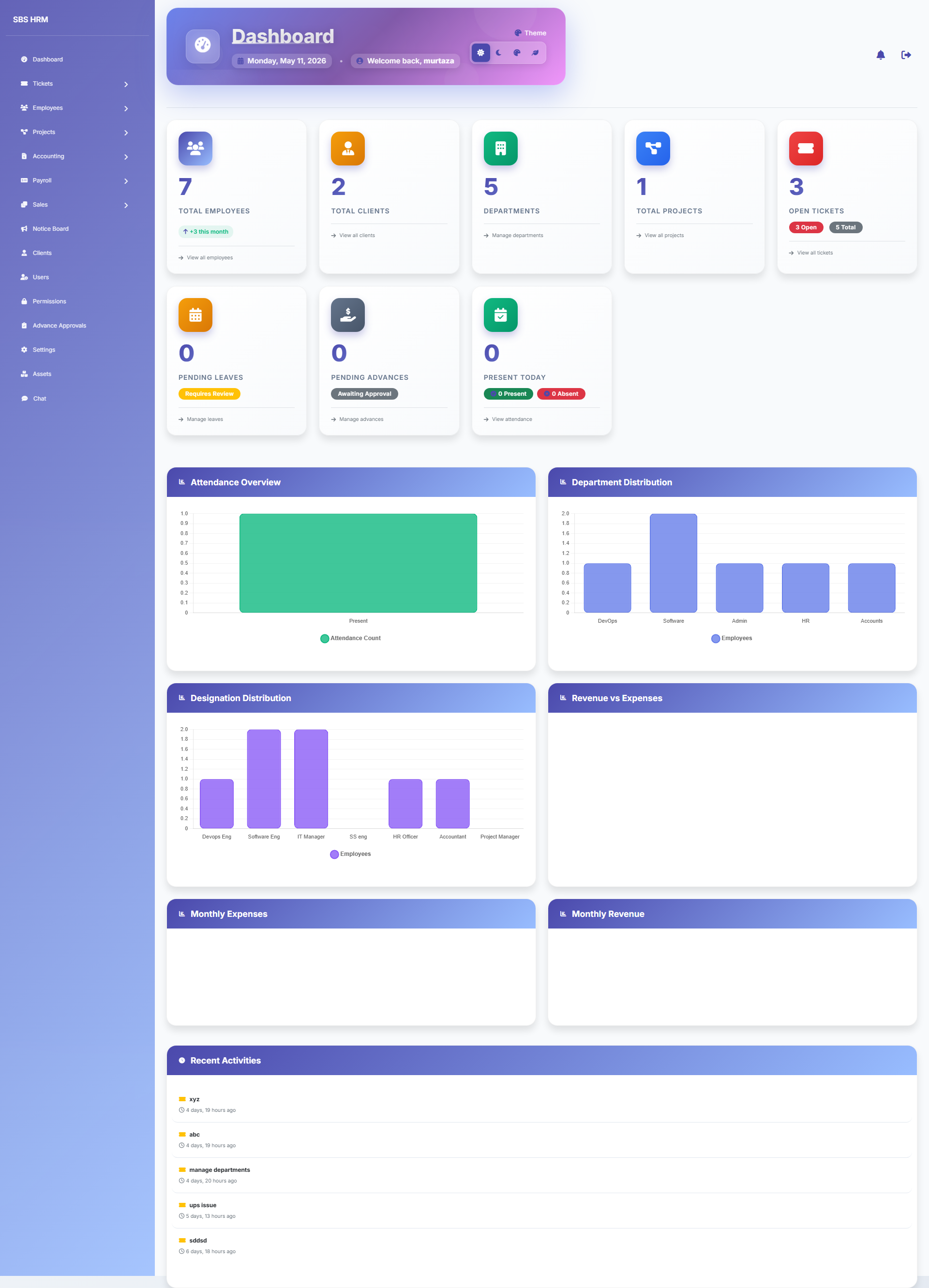
Role-aware landing view after sign-in.
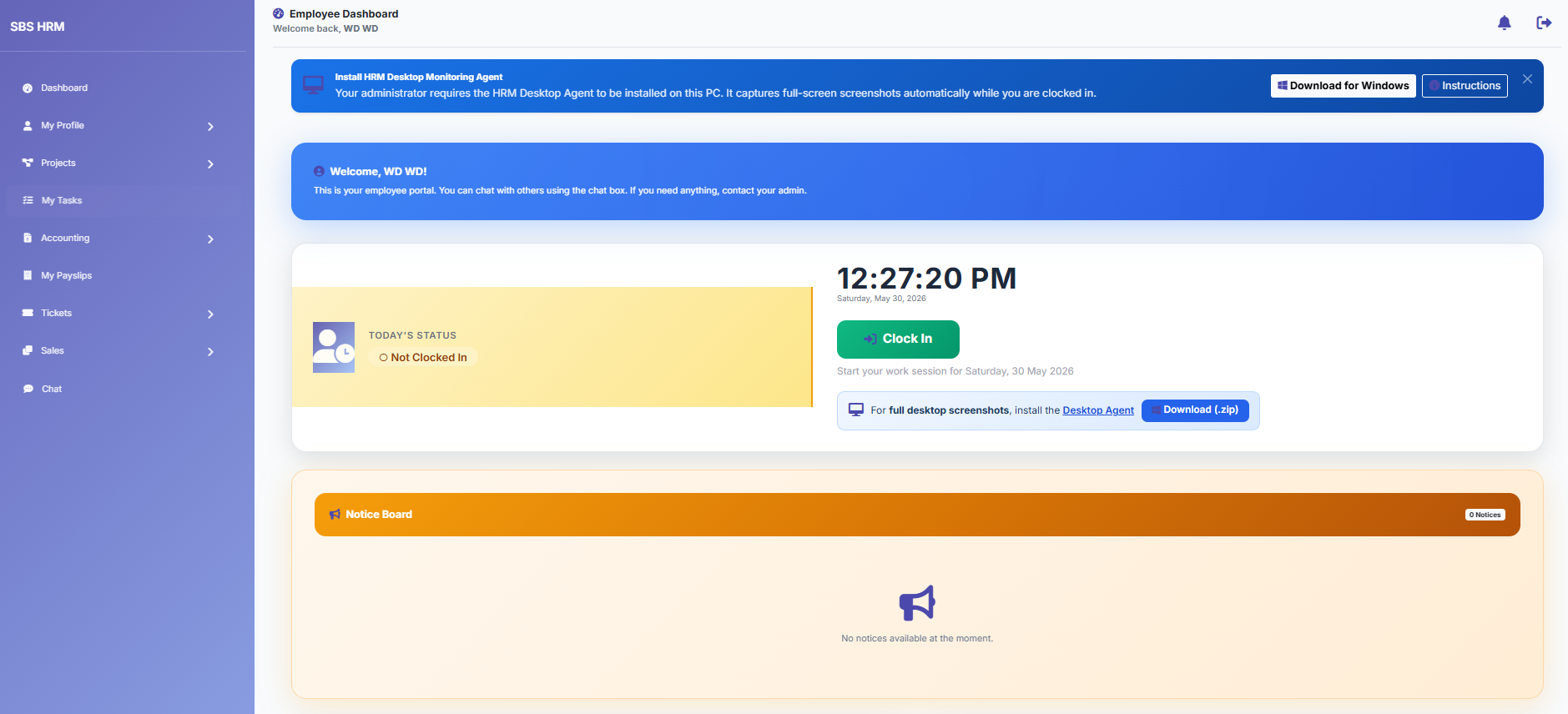
Self-service summary for staff.
Core HR
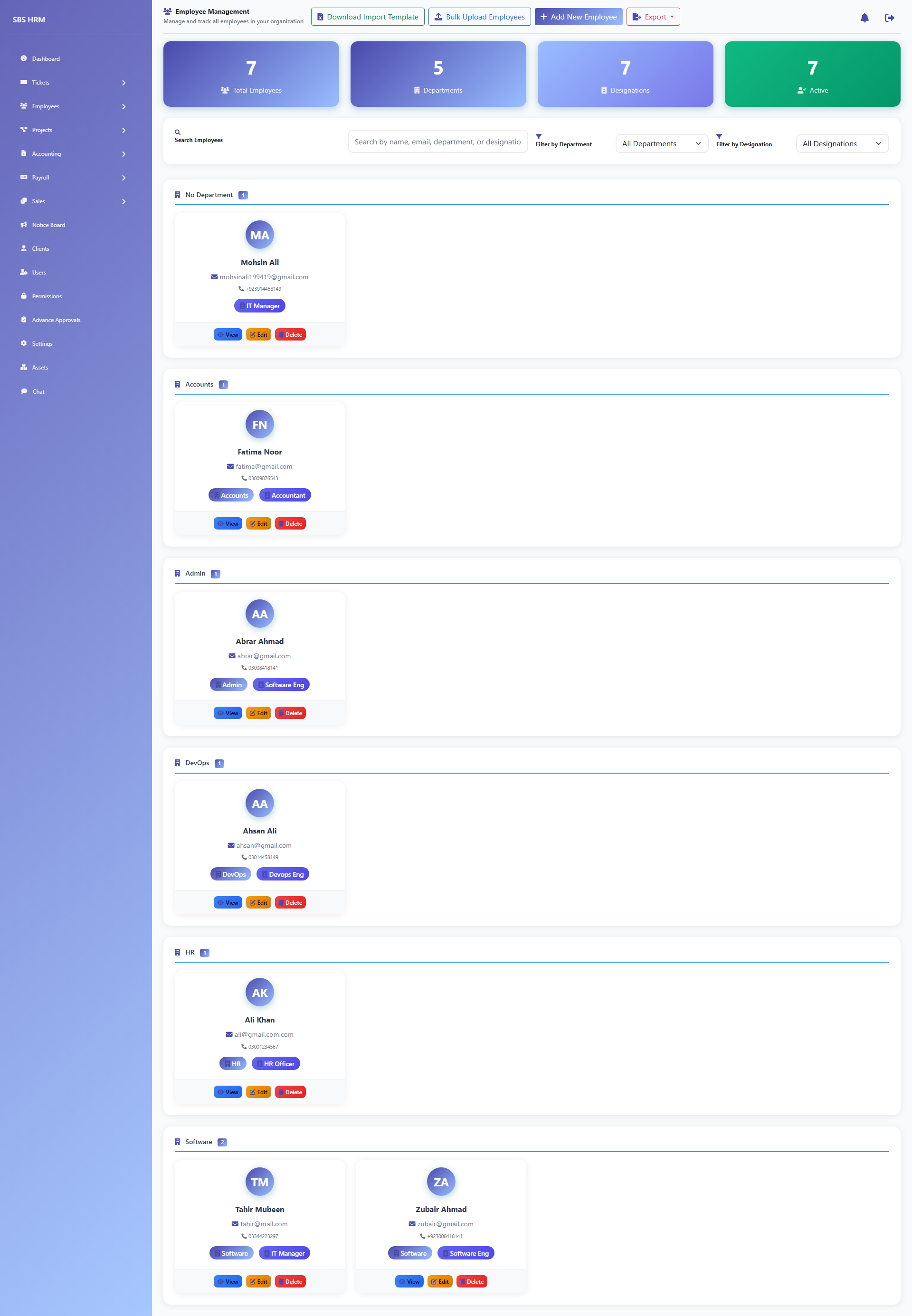
Directory, profiles, and HR records.
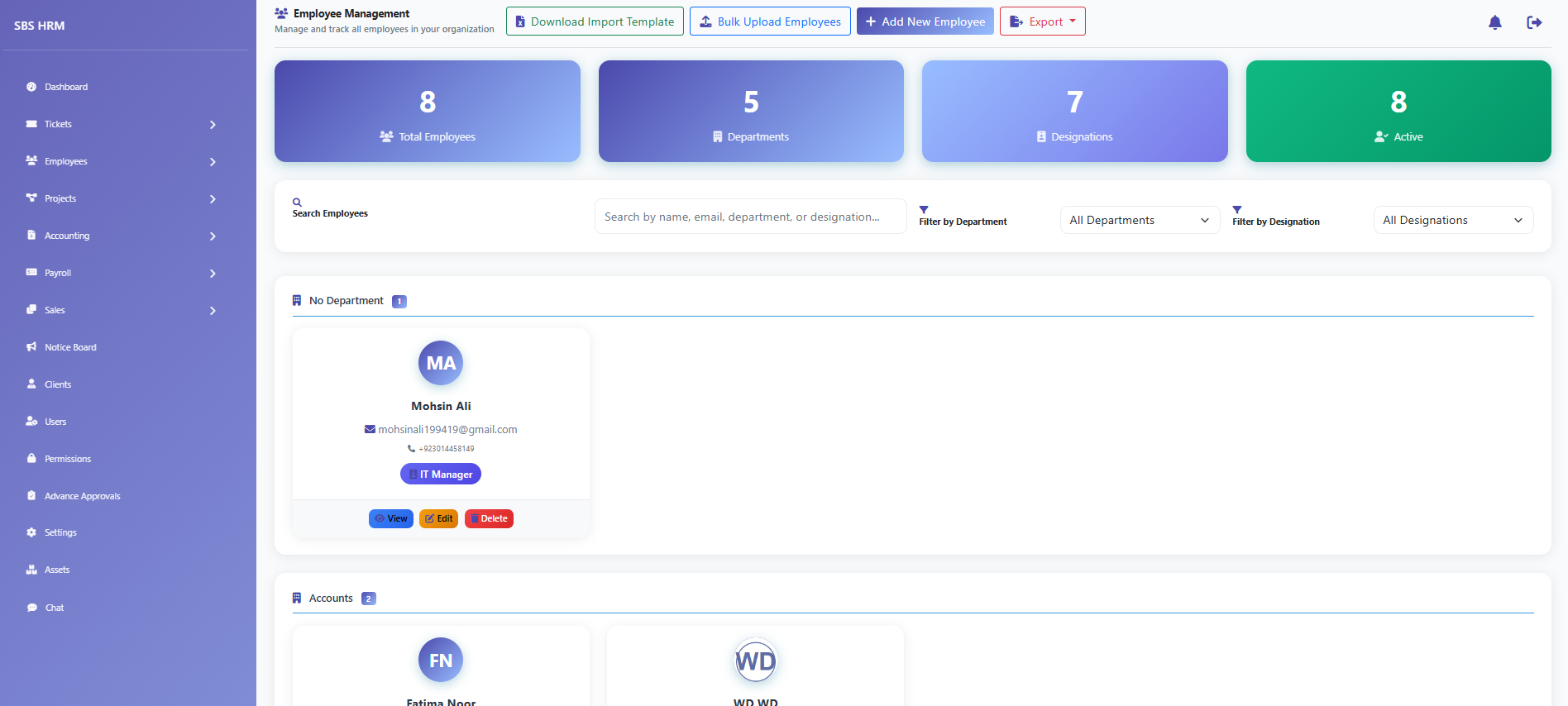
Spreadsheet import (`/employees/import/upload/` — not `/documents`, which is not a route on this build).
Organisation
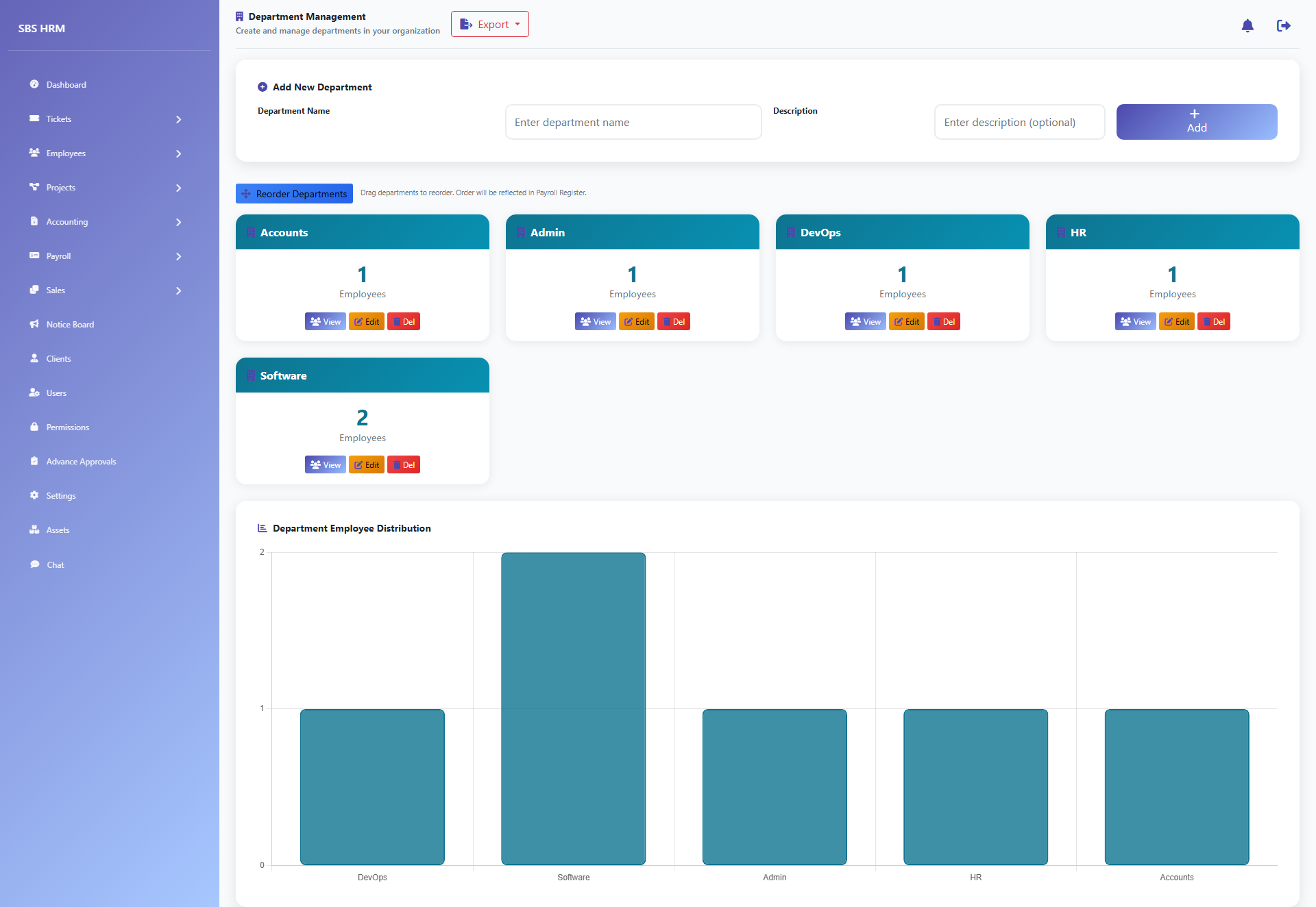
Org units and reporting structure.
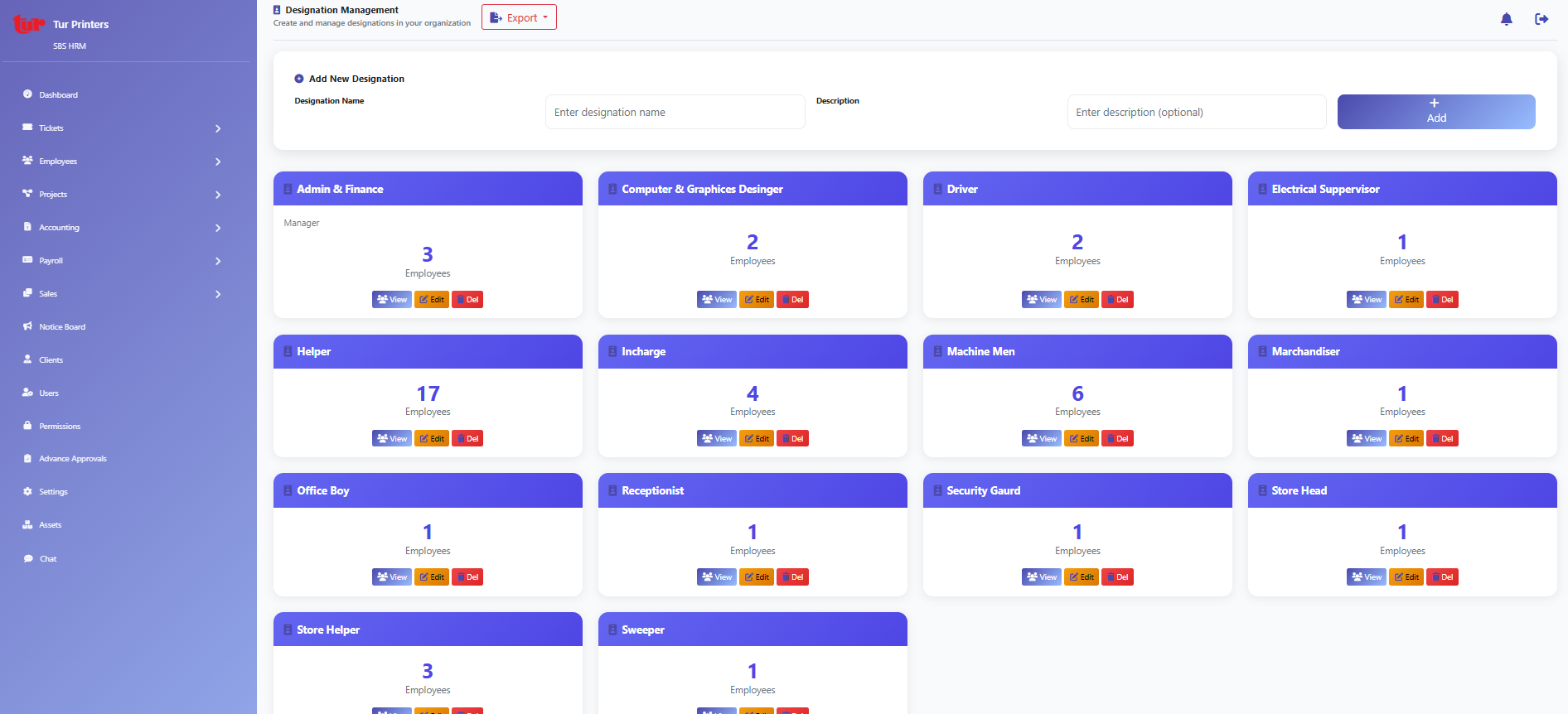
Job titles and grades.
Calendar
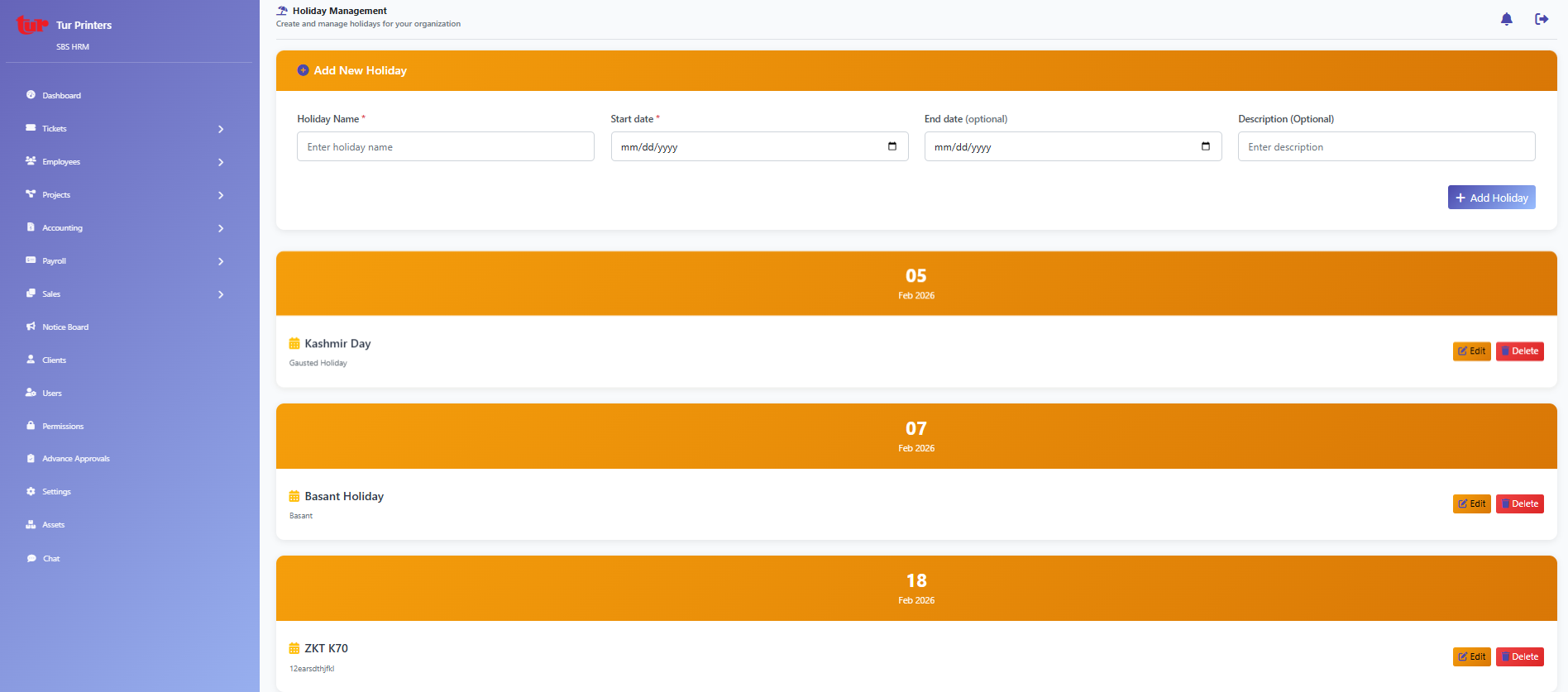
Company holidays and calendar maintenance.
Security
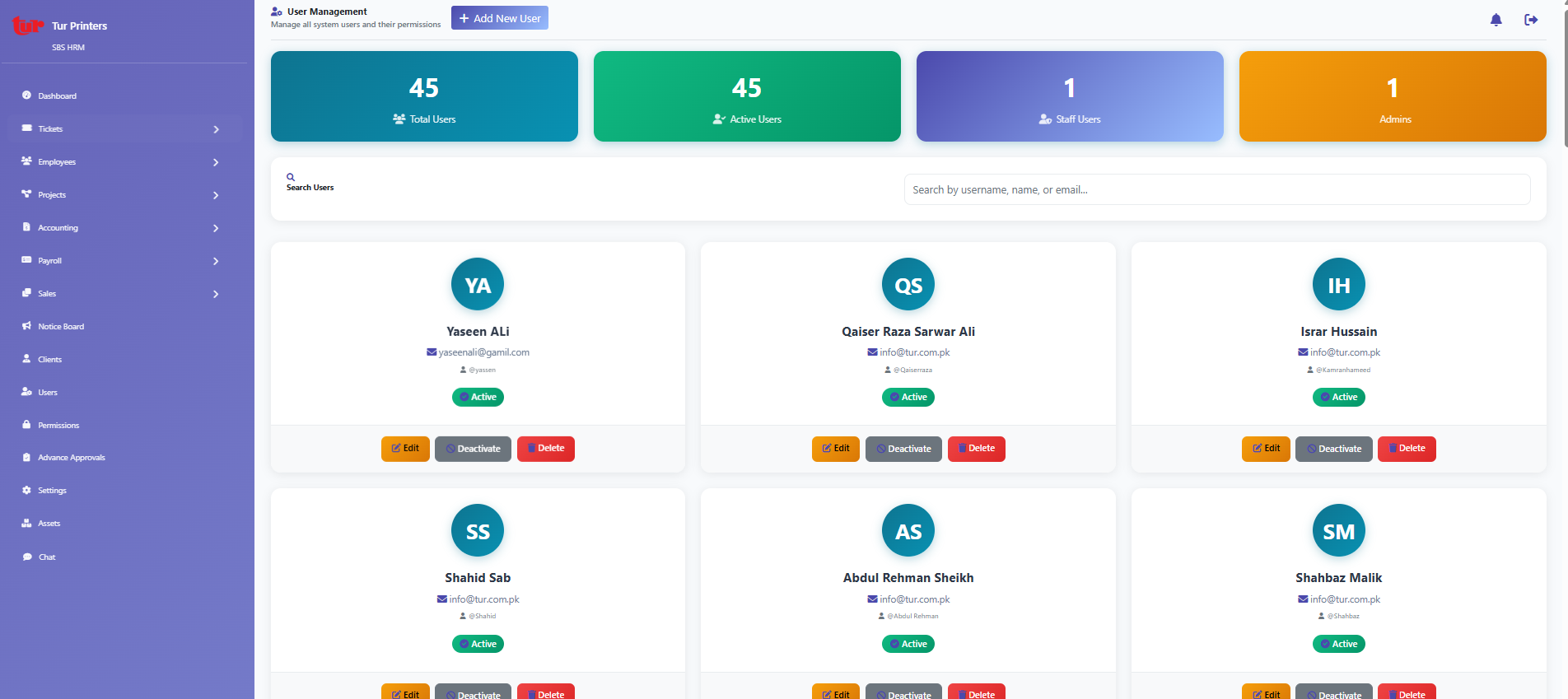
User accounts and directory.
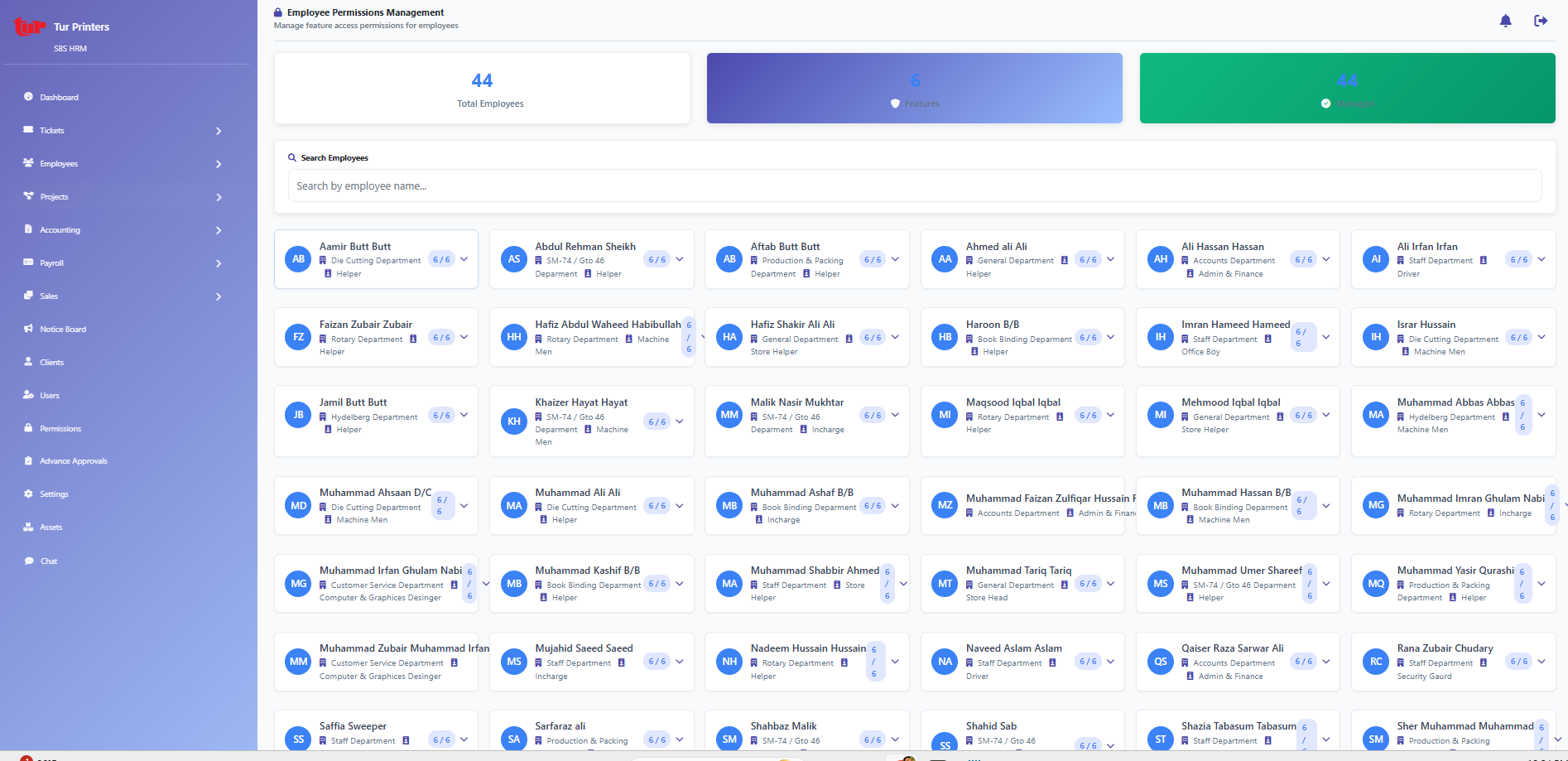
Fine-grained access control (`/core/permissions/`).
Engagement
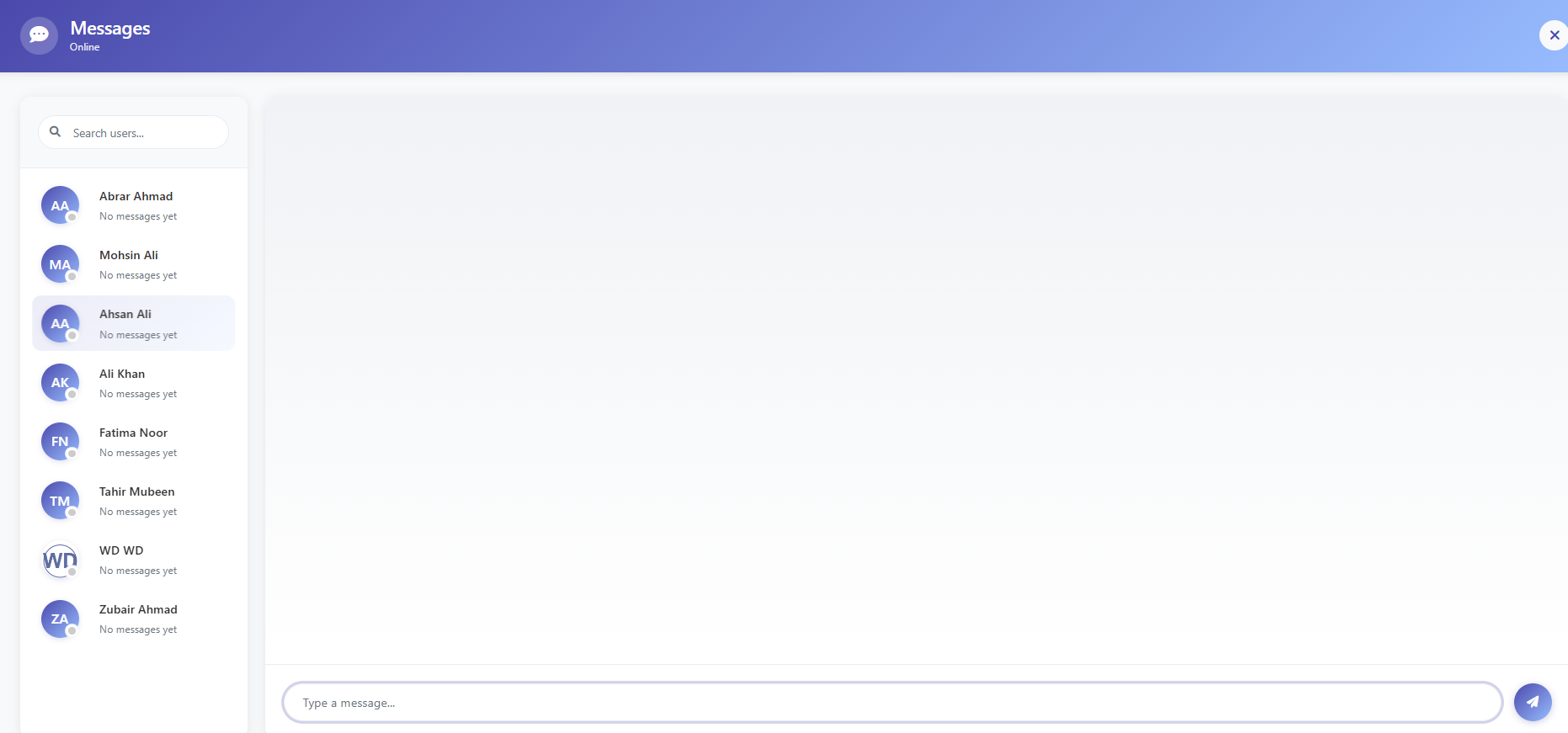
Internal chat user list and messaging entry.
In-app alerts and read state.
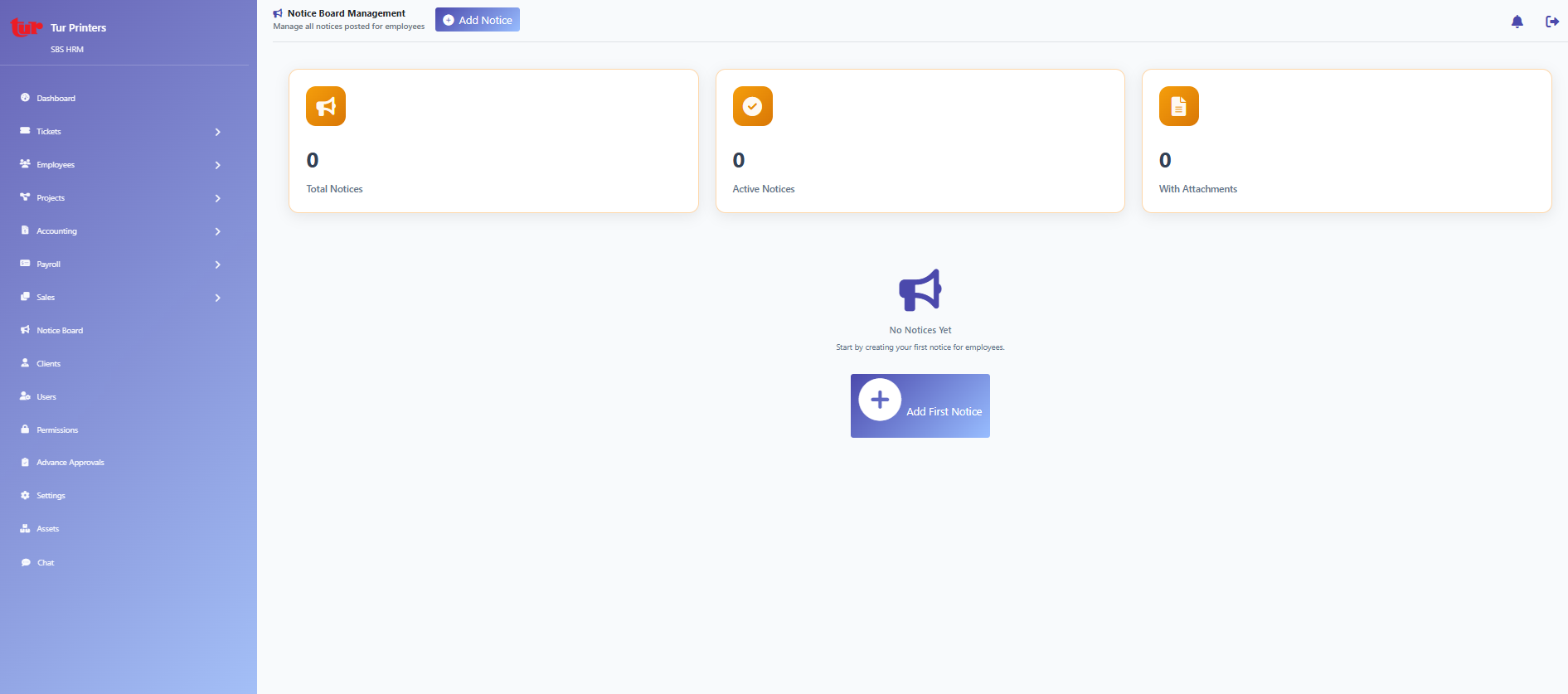
Company notices (`/core/notices/`).
Helpdesk
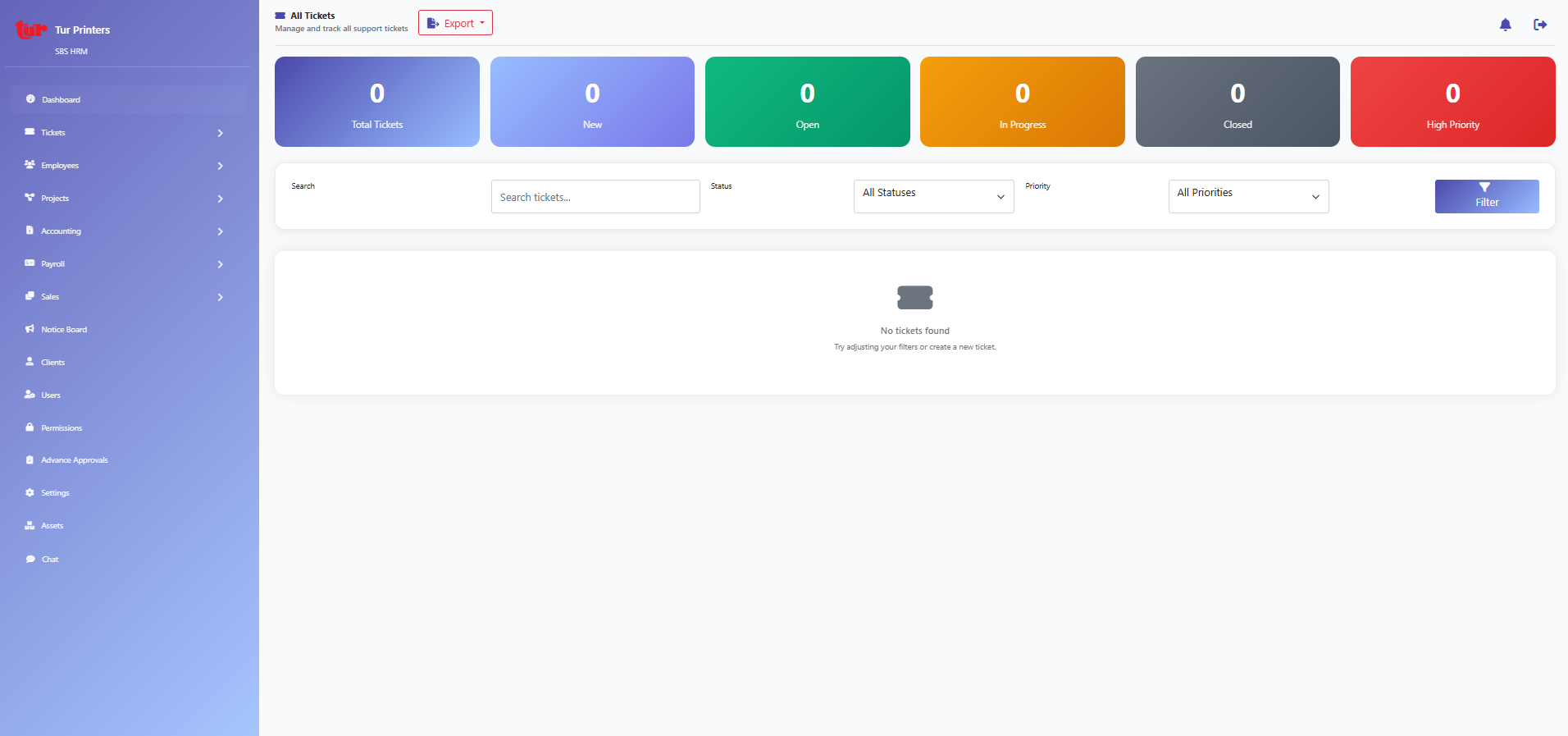
Support and IT ticket queue.
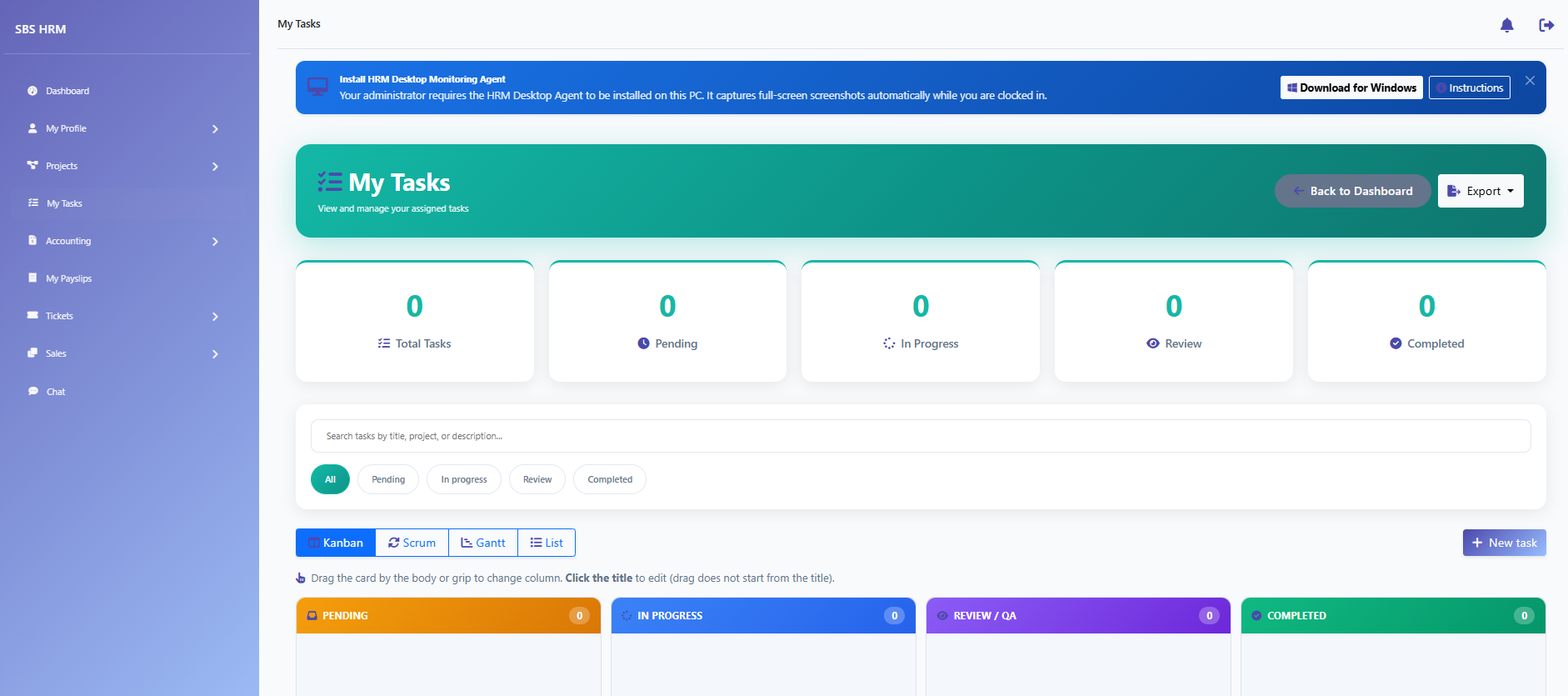
Tickets raised or assigned to the signed-in user.
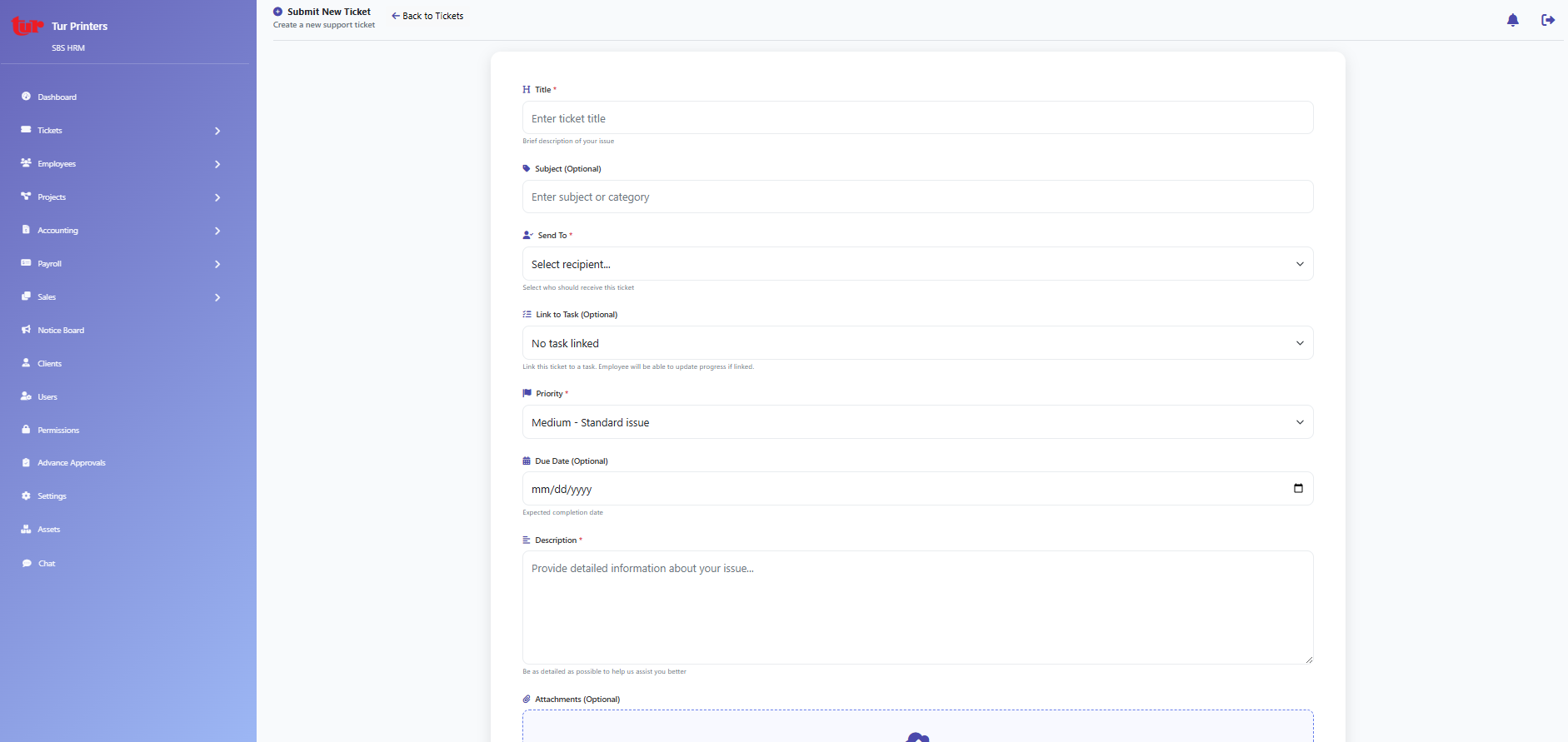
New ticket / intake form.
Attendance
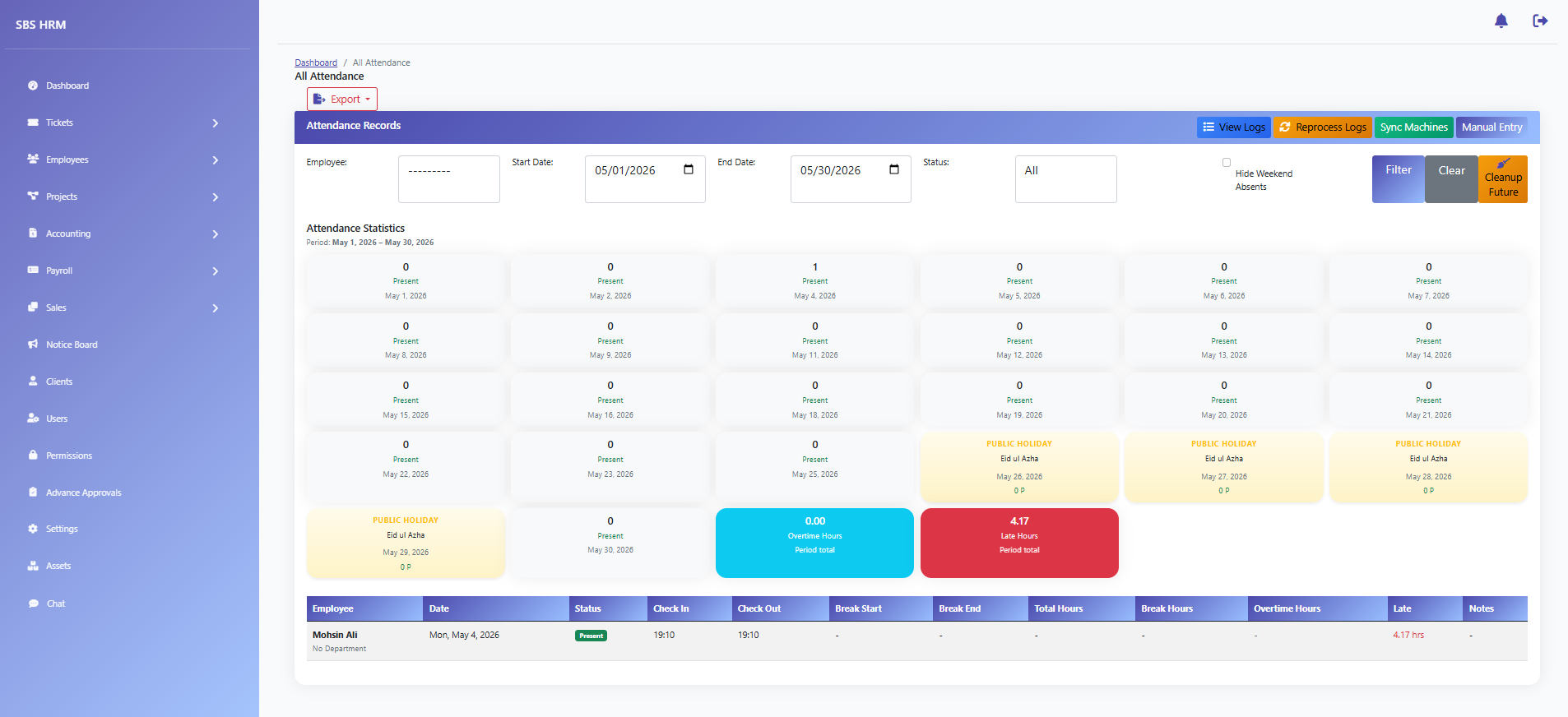
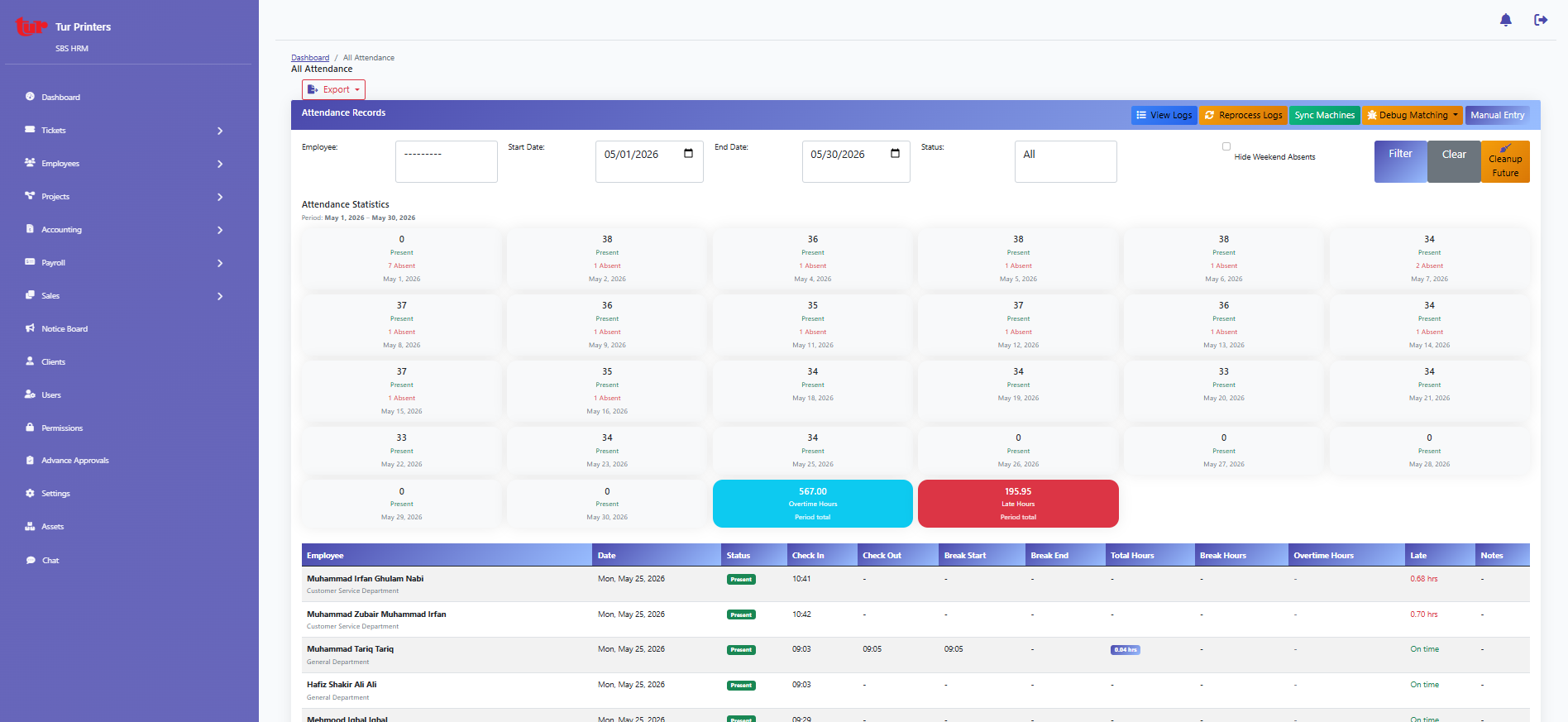
Organisation-wide attendance (`/all-attendance/`).
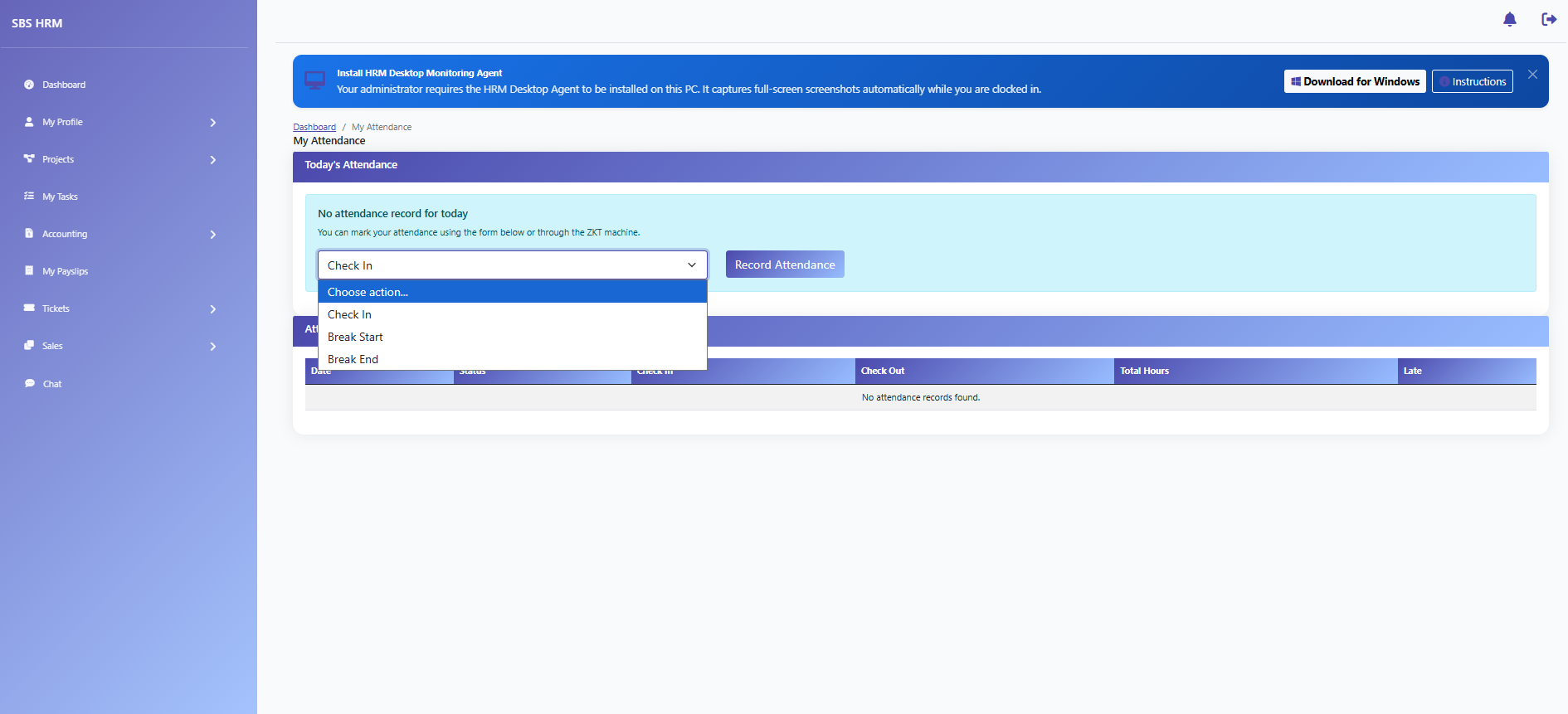
Personal attendance history.
Raw clock and device logs.
Screenshot monitoring gallery for compliance.
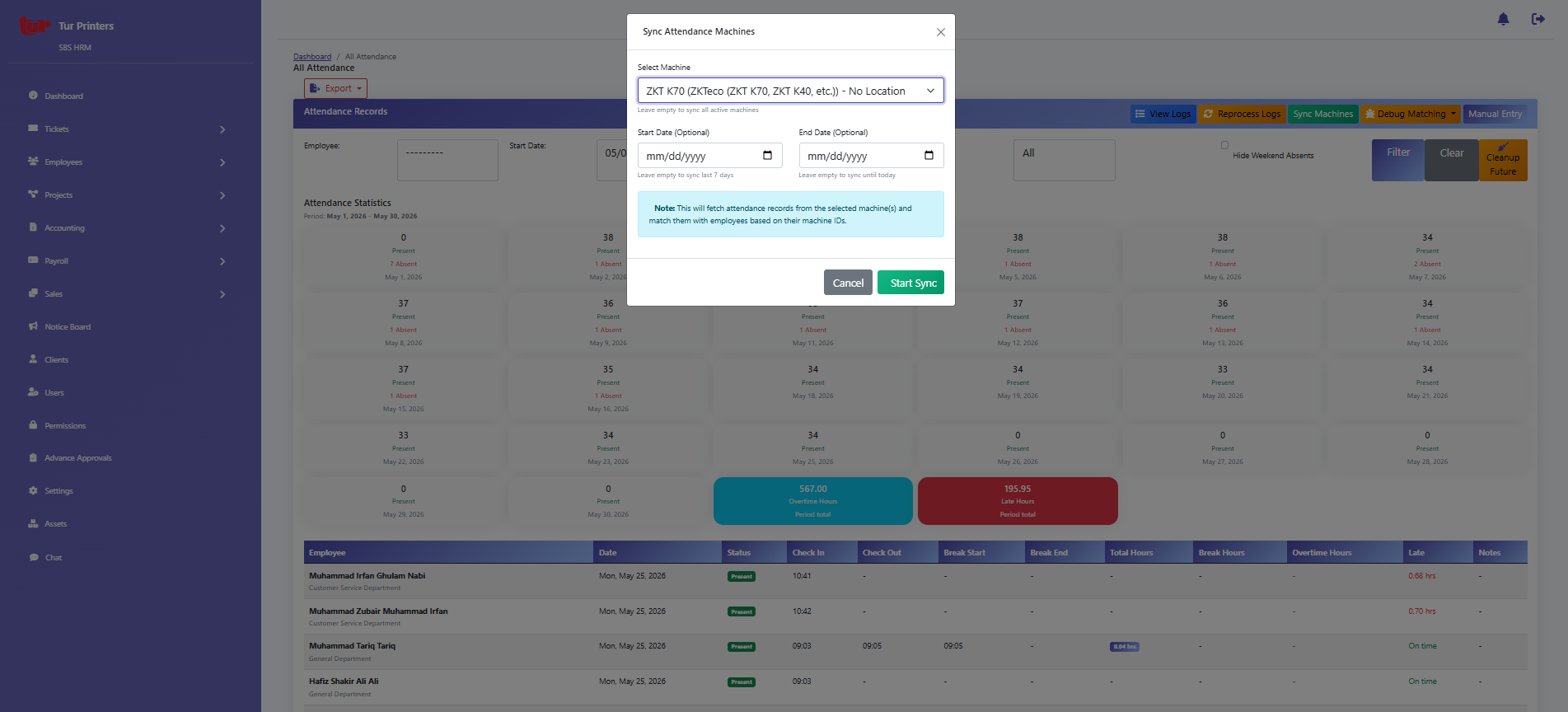
Biometric / ZKT and device management.
Leave
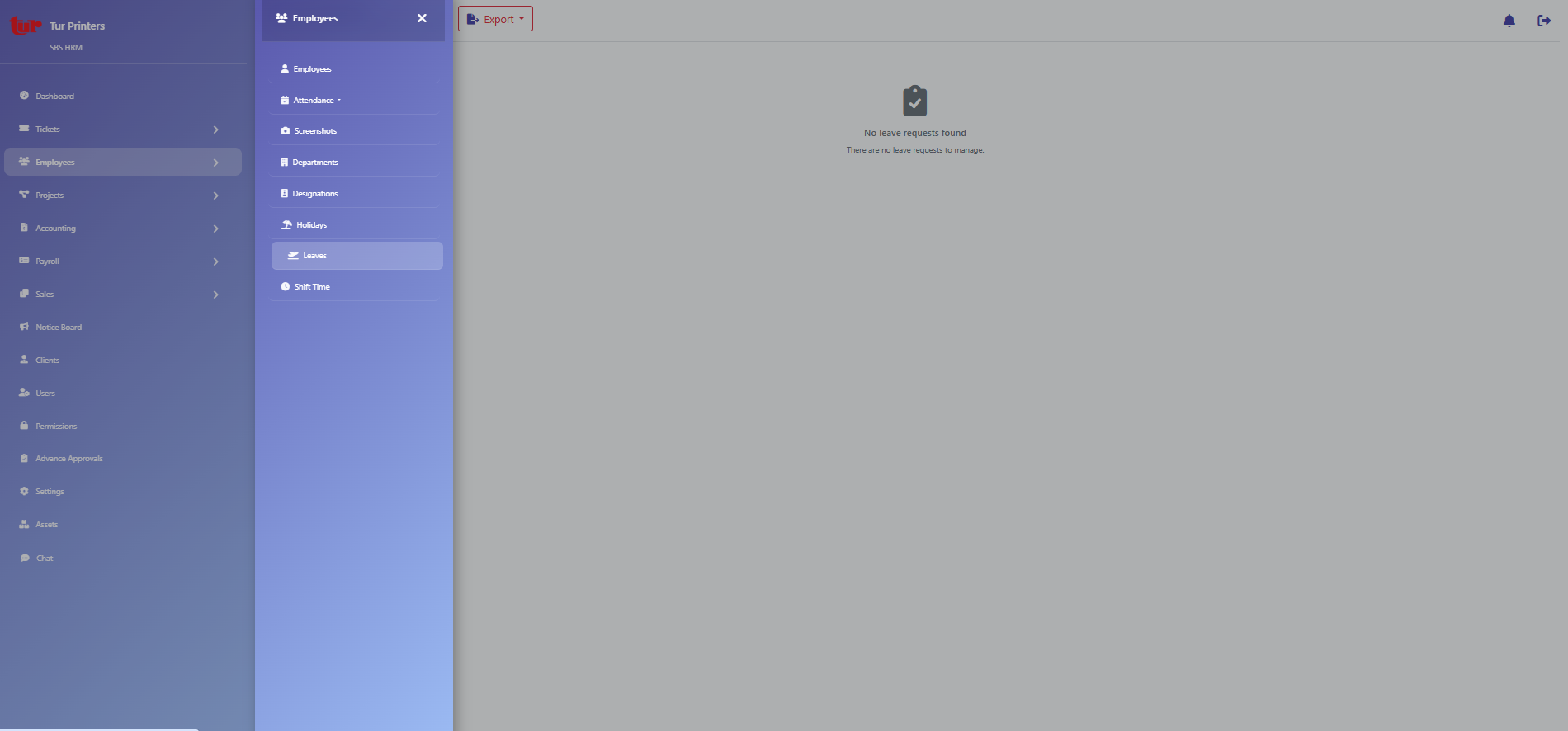
HR leave approvals and policies.
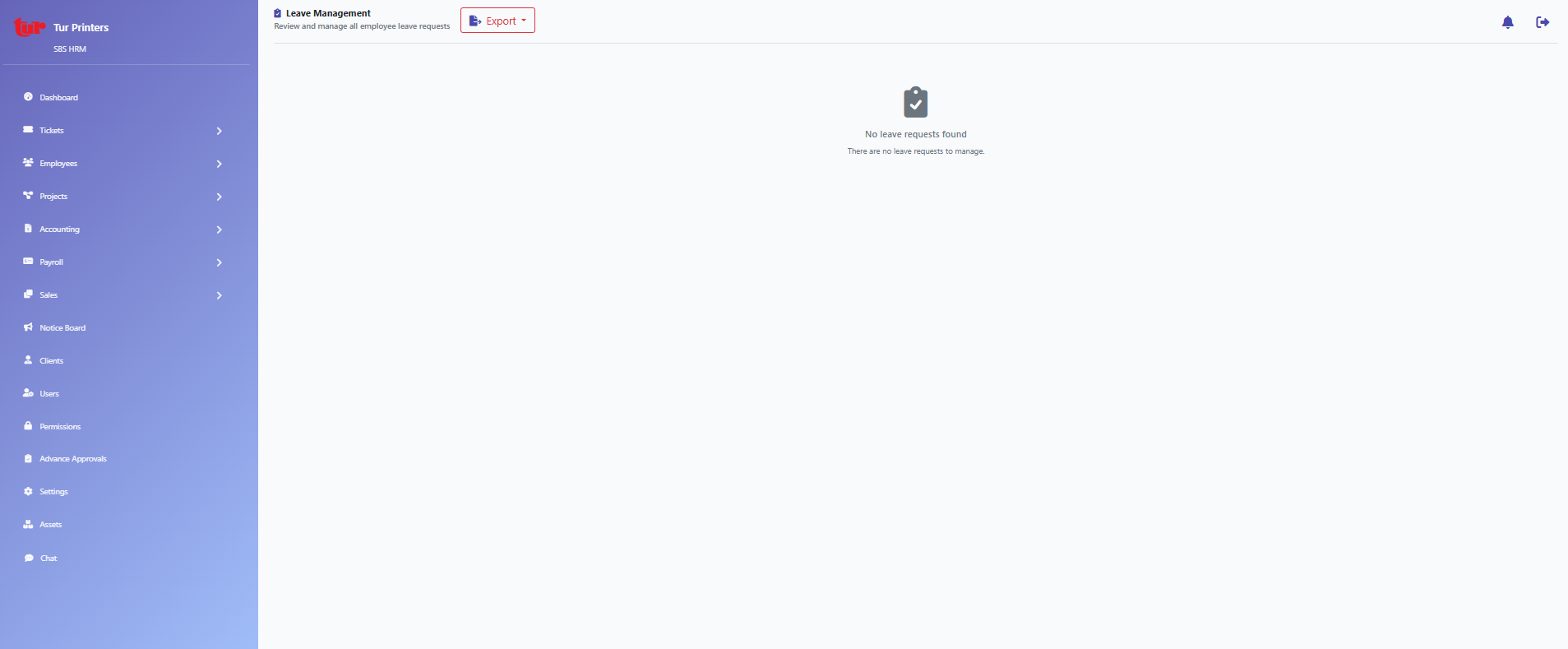
Employee leave application.
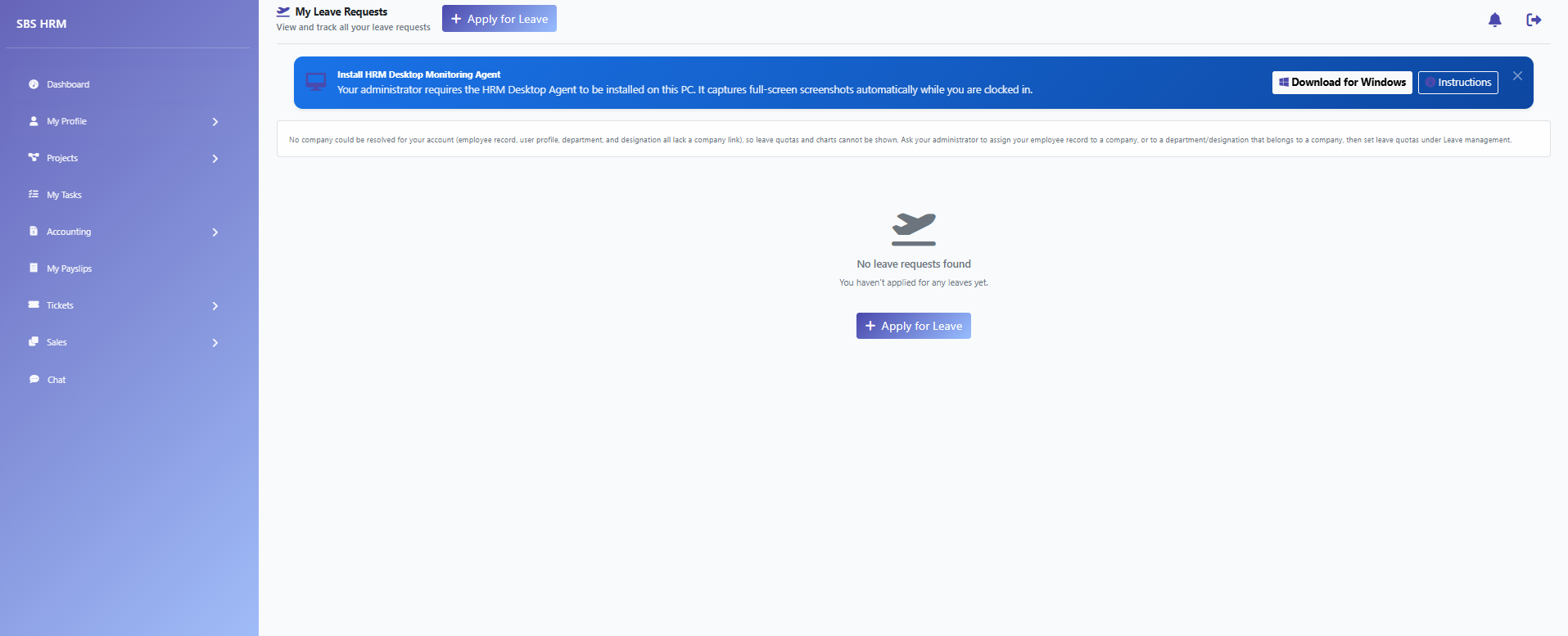
Employee leave history and balances.
Scheduling
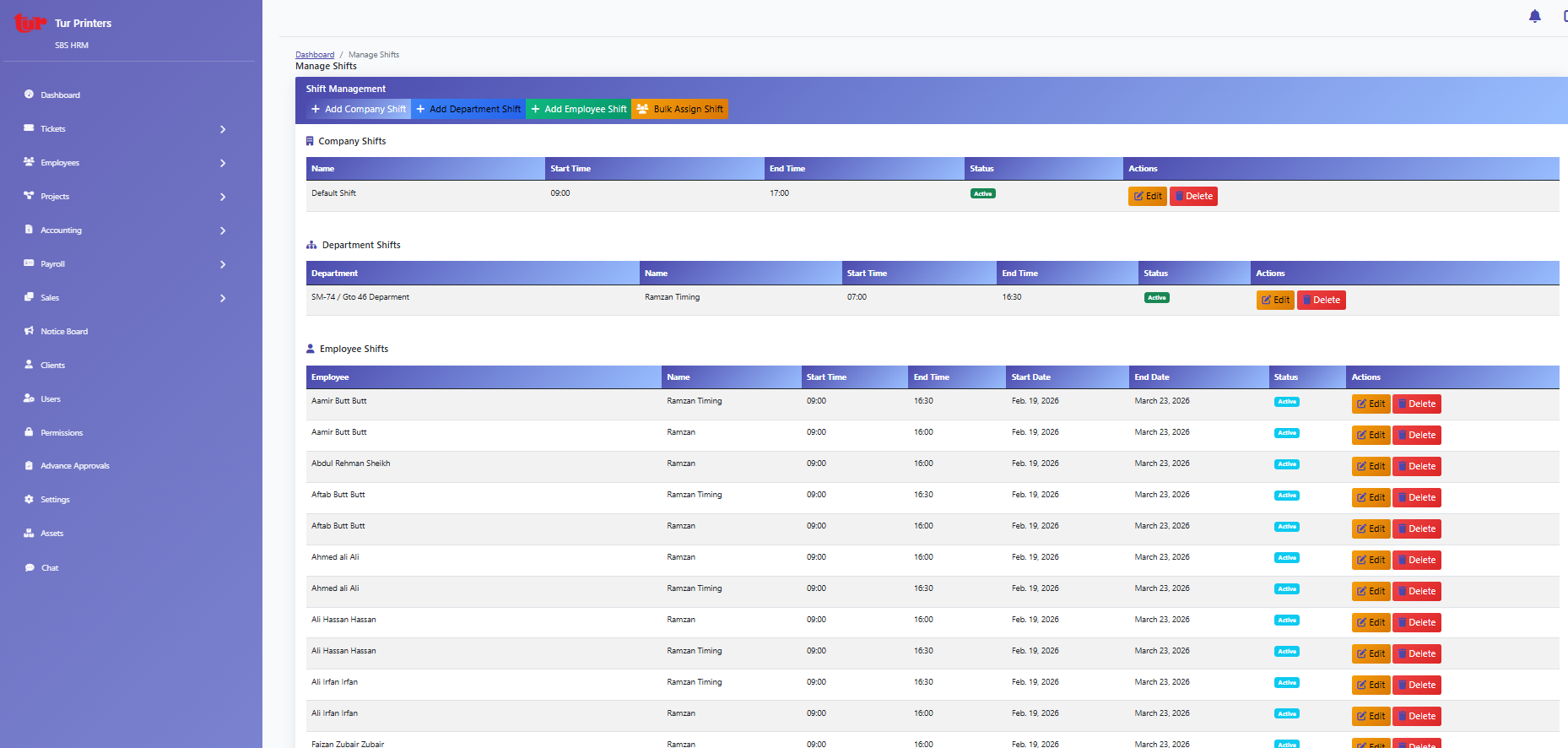
Shift patterns and roster administration.
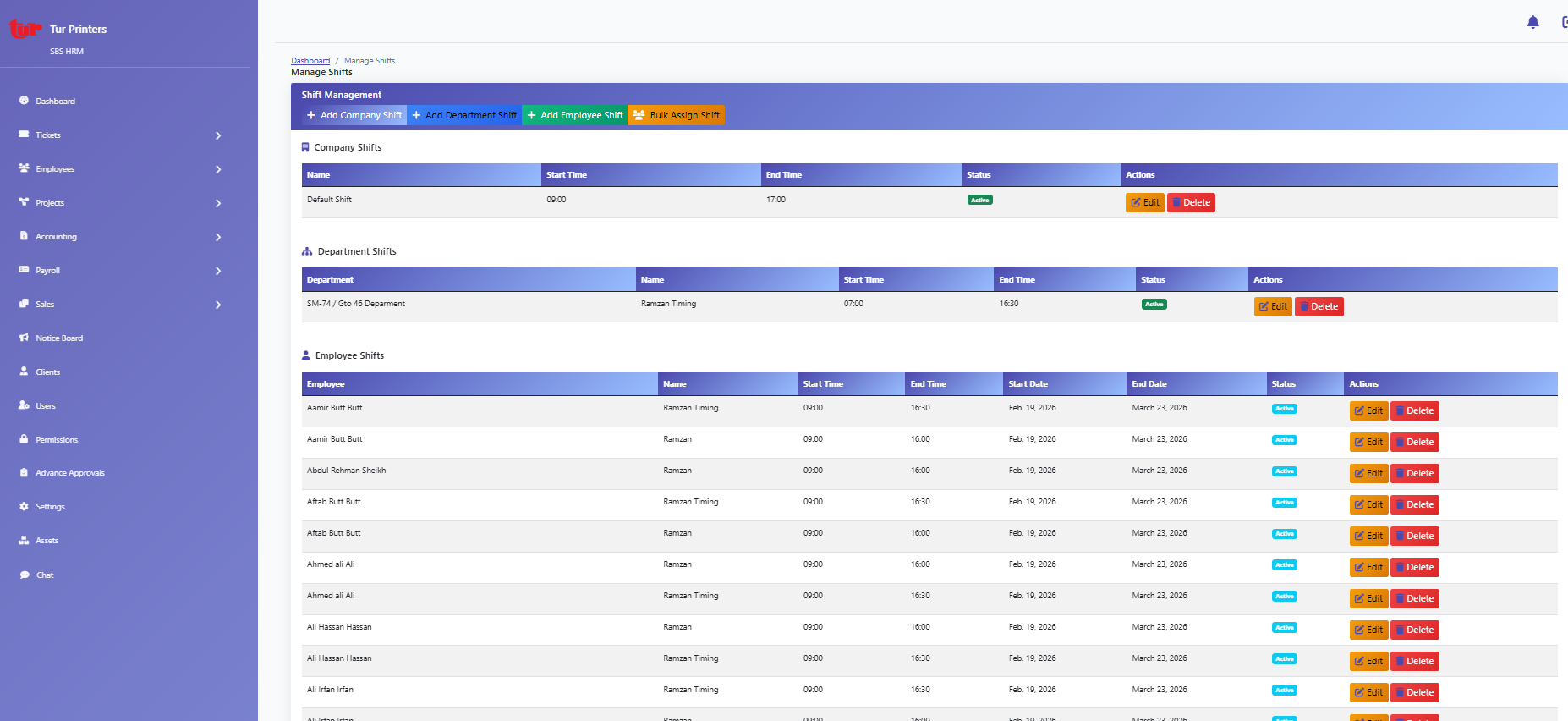
Personal shift calendar.
Clients & projects
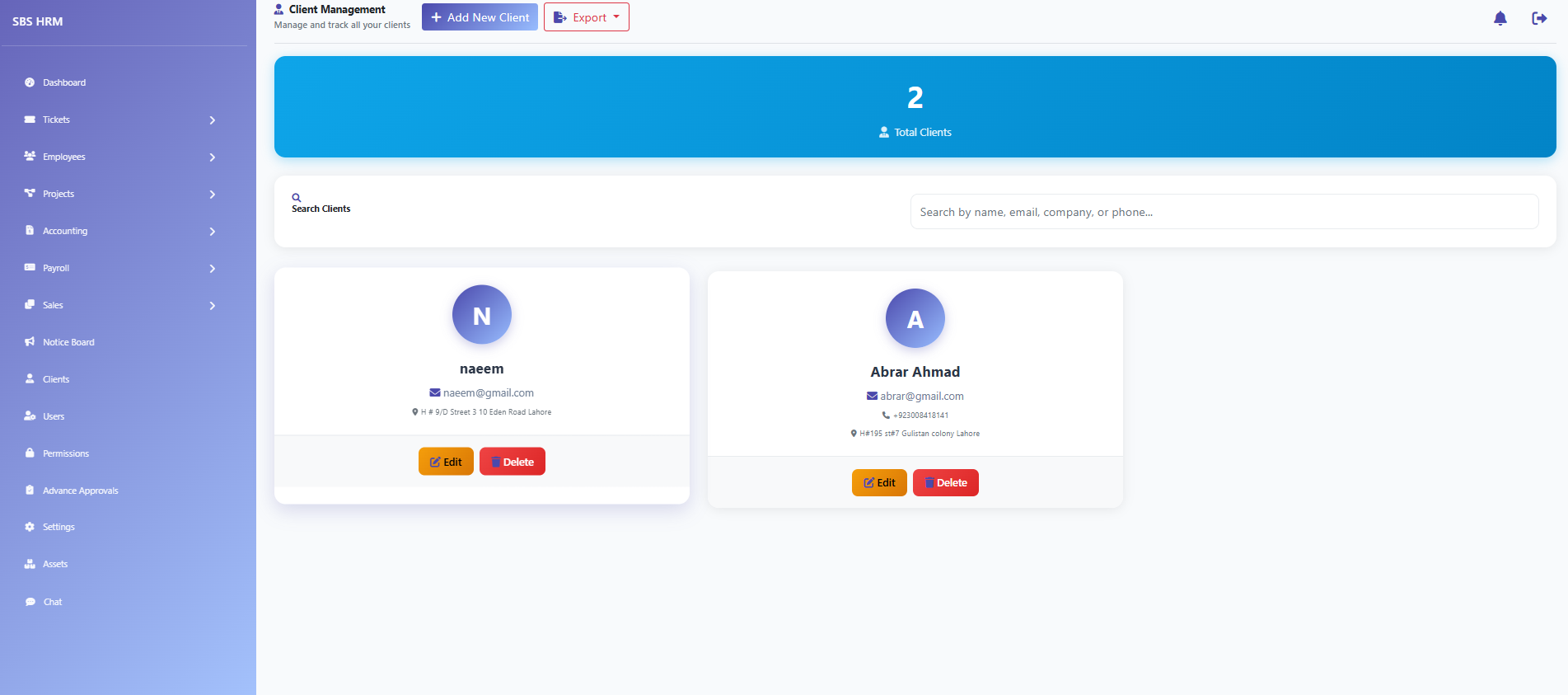
Client accounts and contacts.
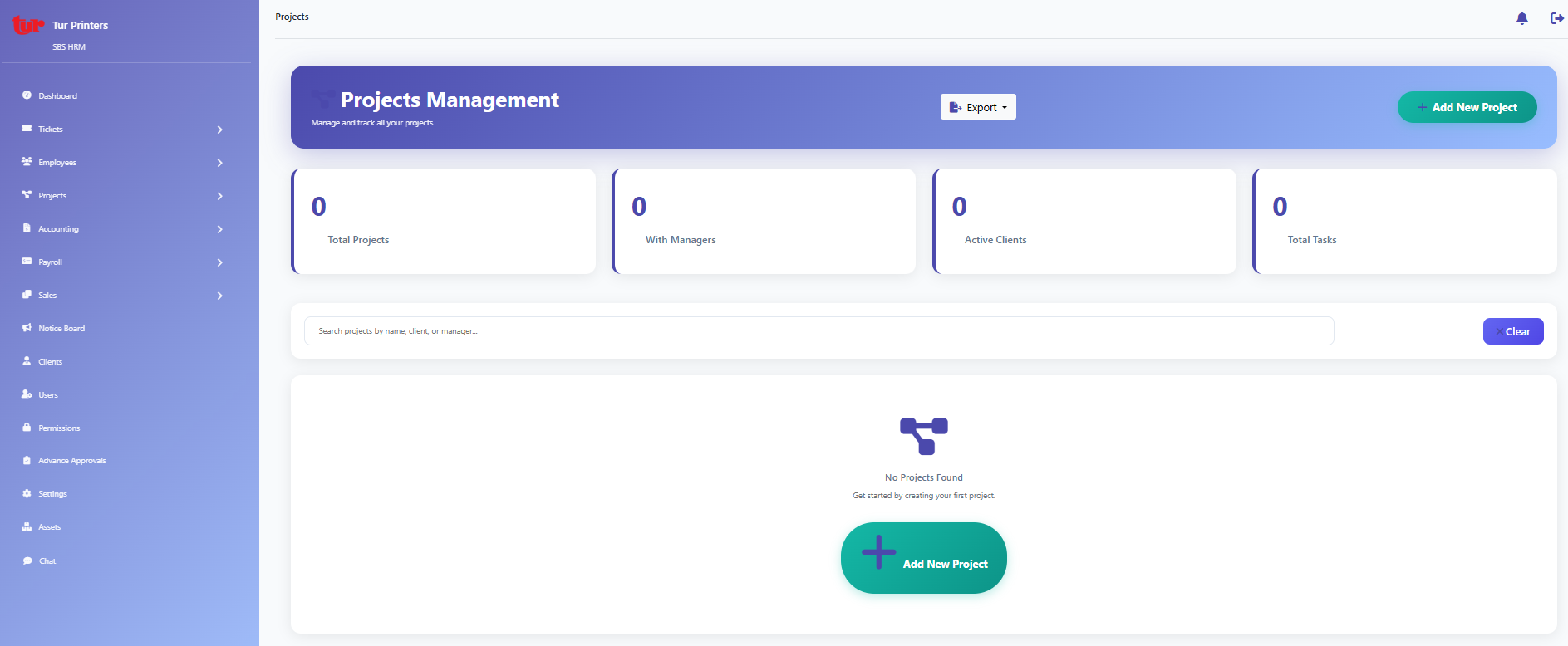
Project portfolio and assignments.
Reporting
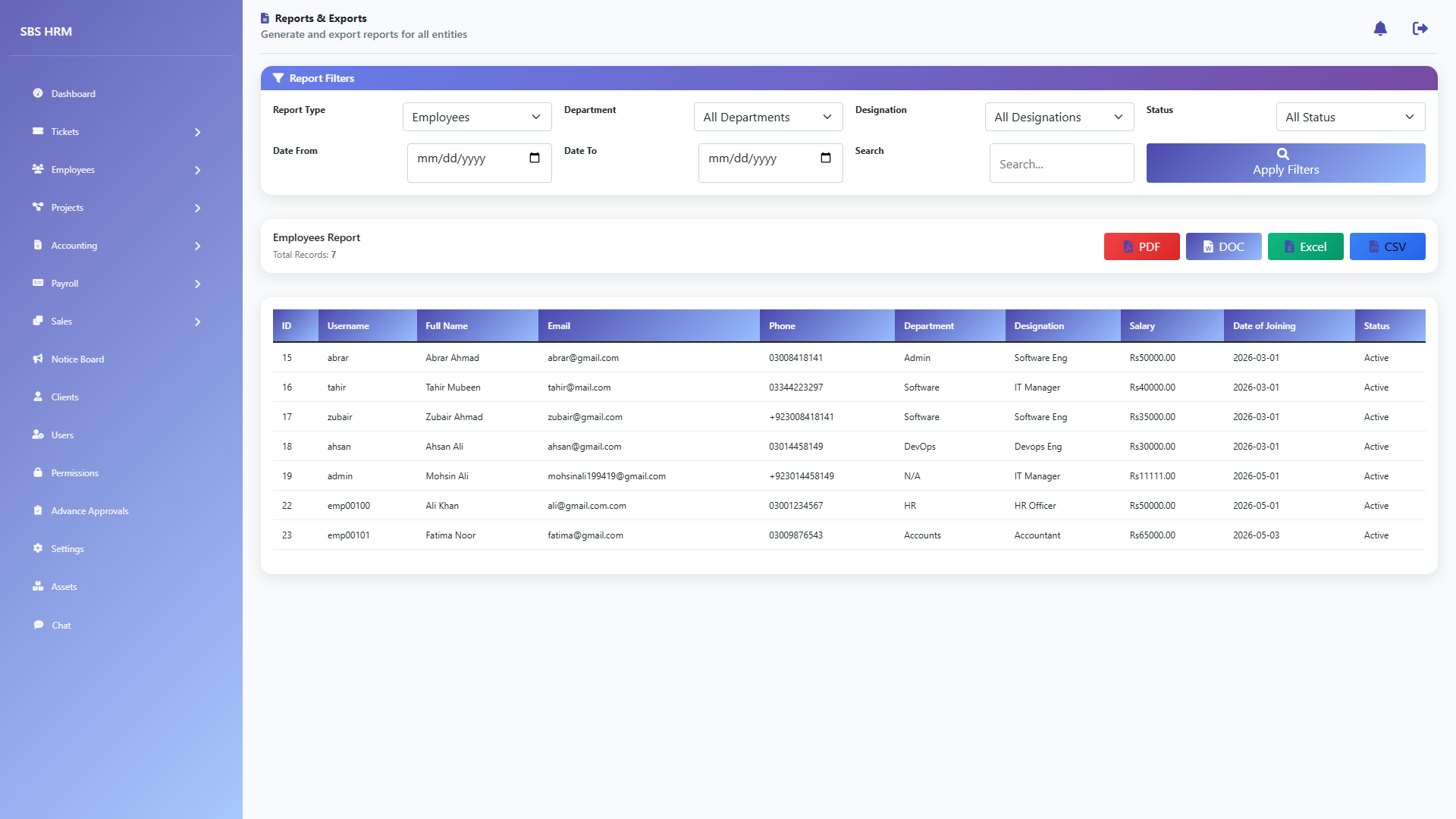
Standard HR and operational reports.
Payroll
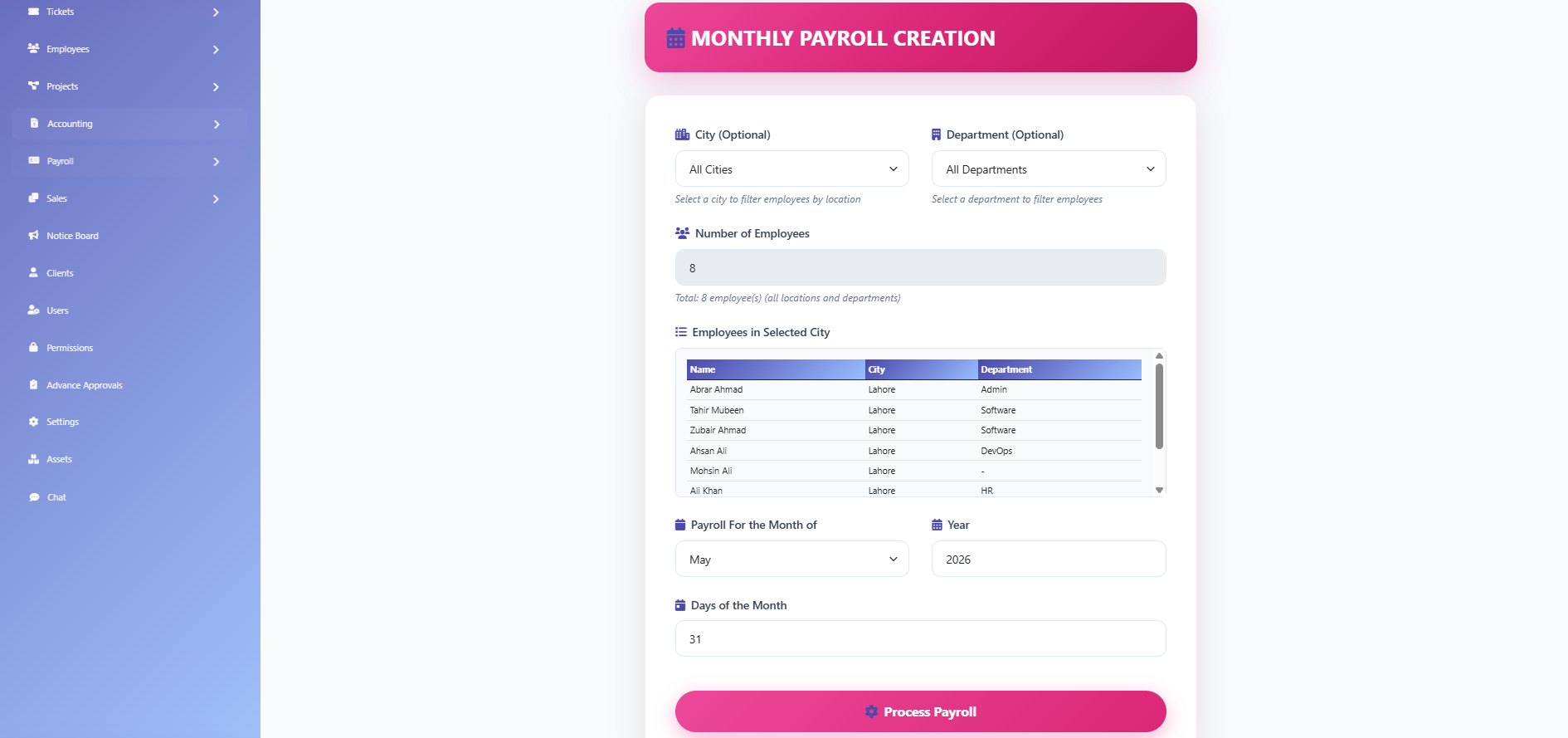
Create or open monthly payroll runs.
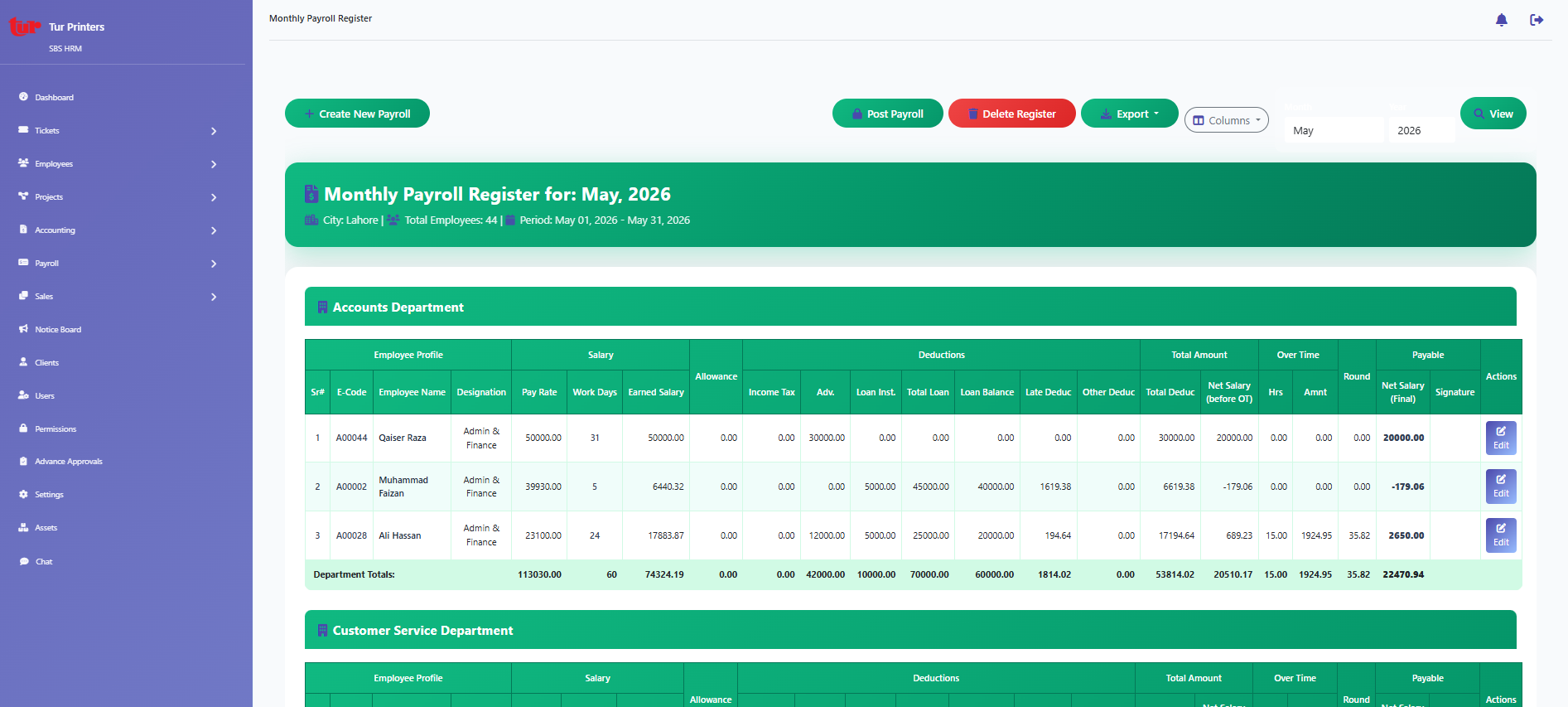
Monthly register listing (`/core/payroll/monthly/register/`).
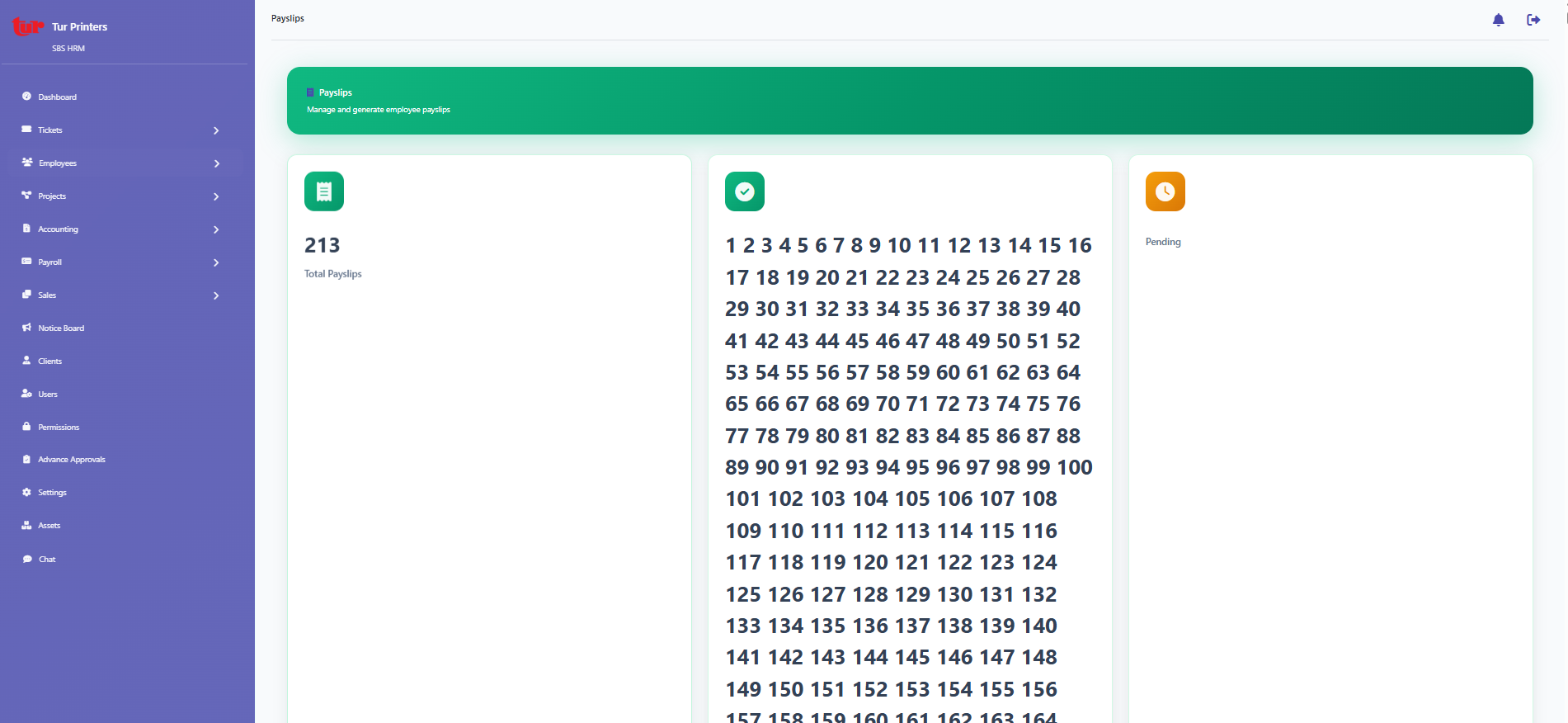
Payslip generation and history.
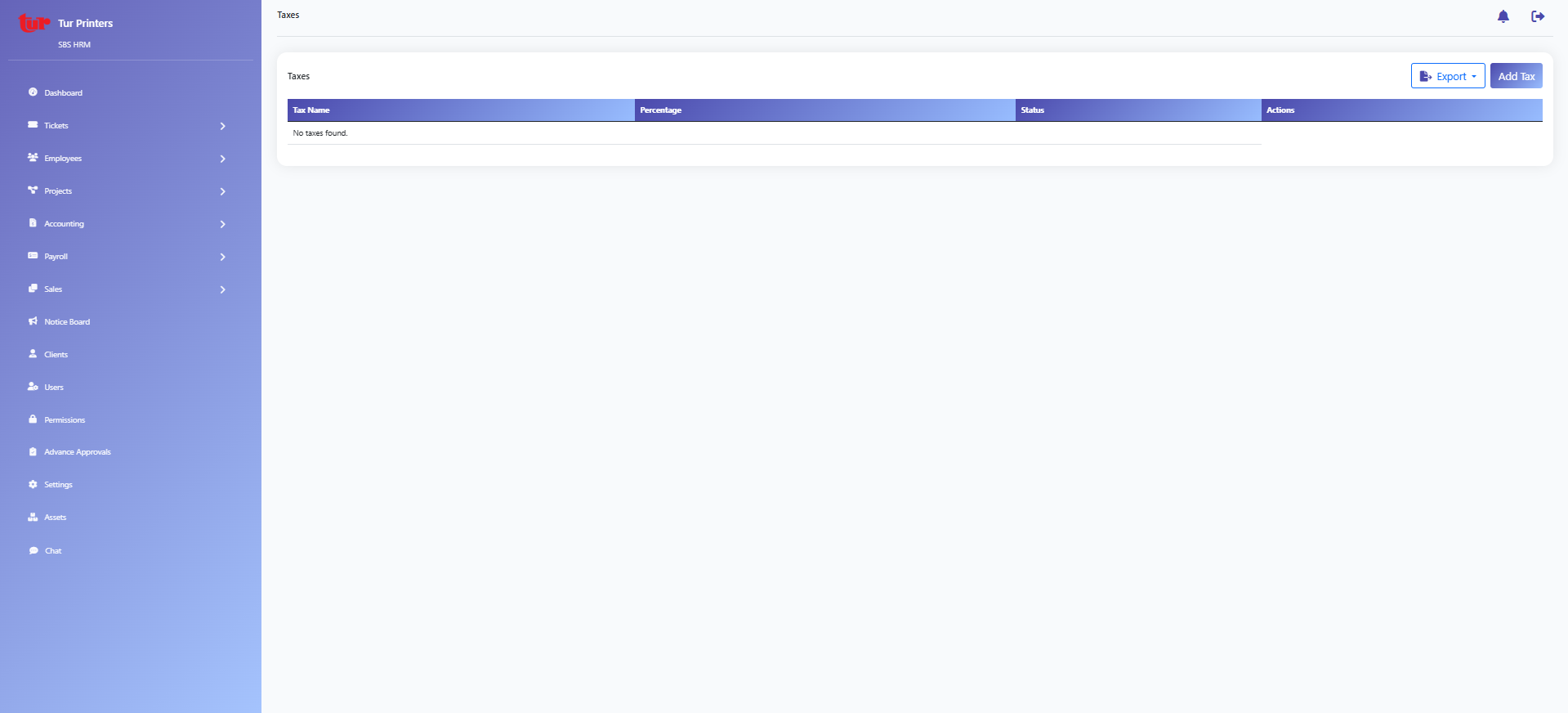
Income tax slab configuration.
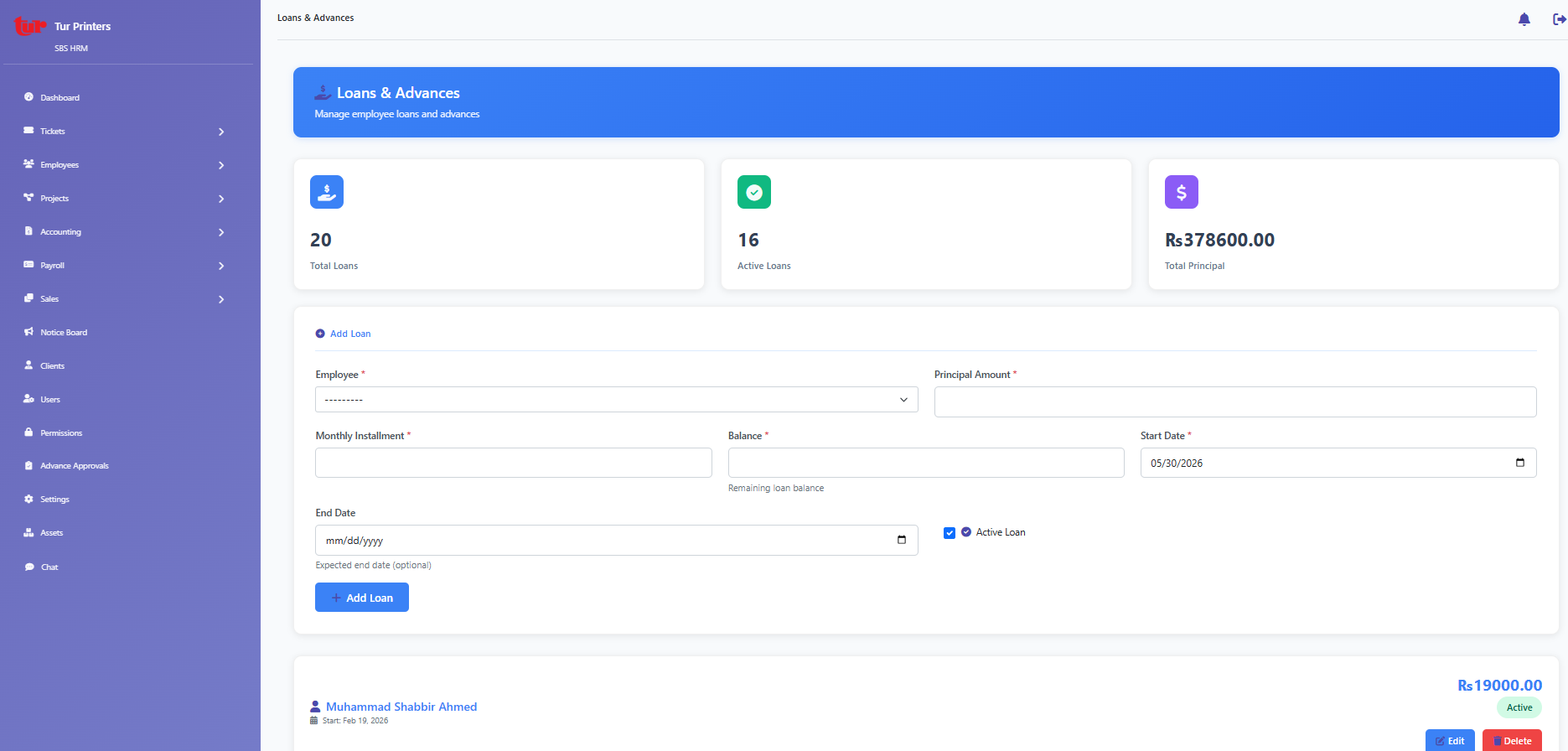
Employee loan deductions.
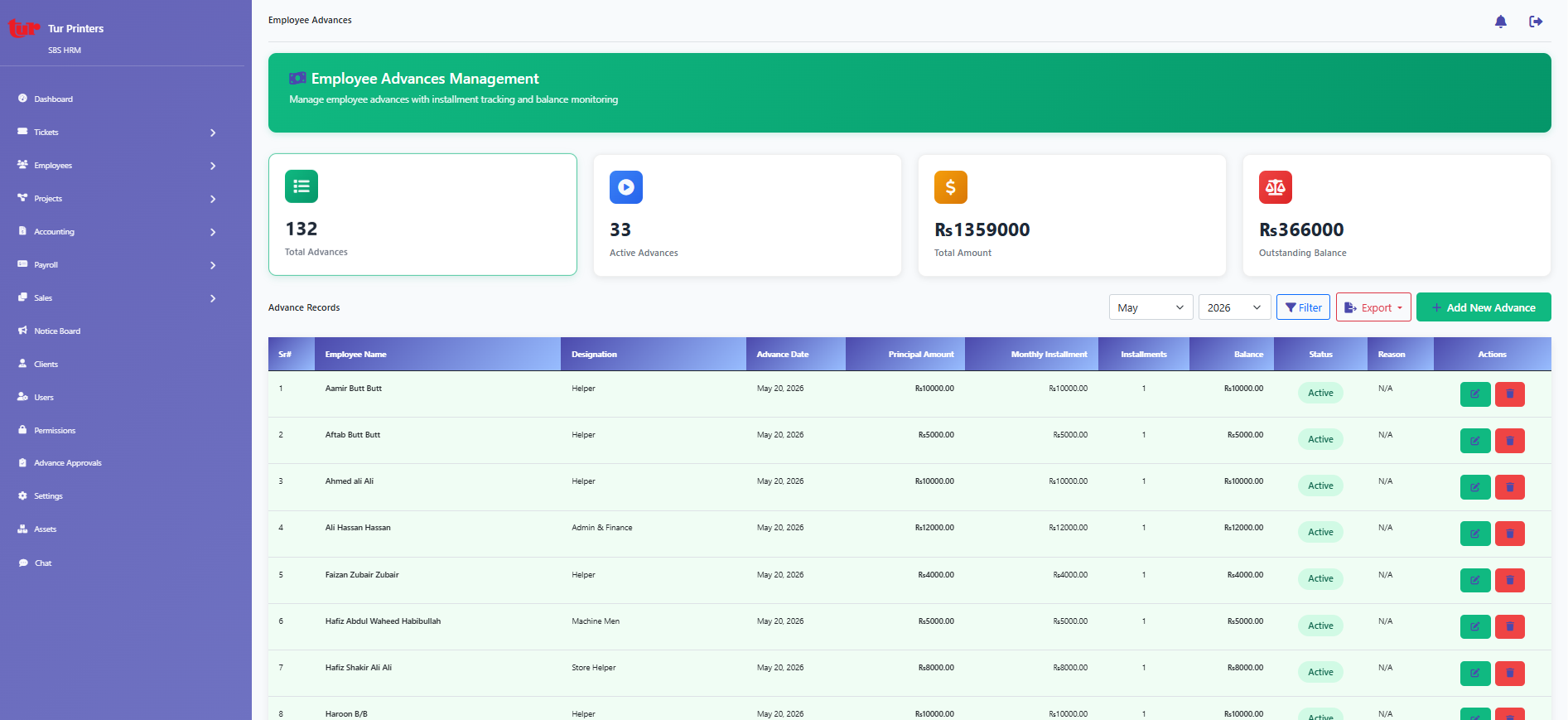
Salary advance rules under payroll.
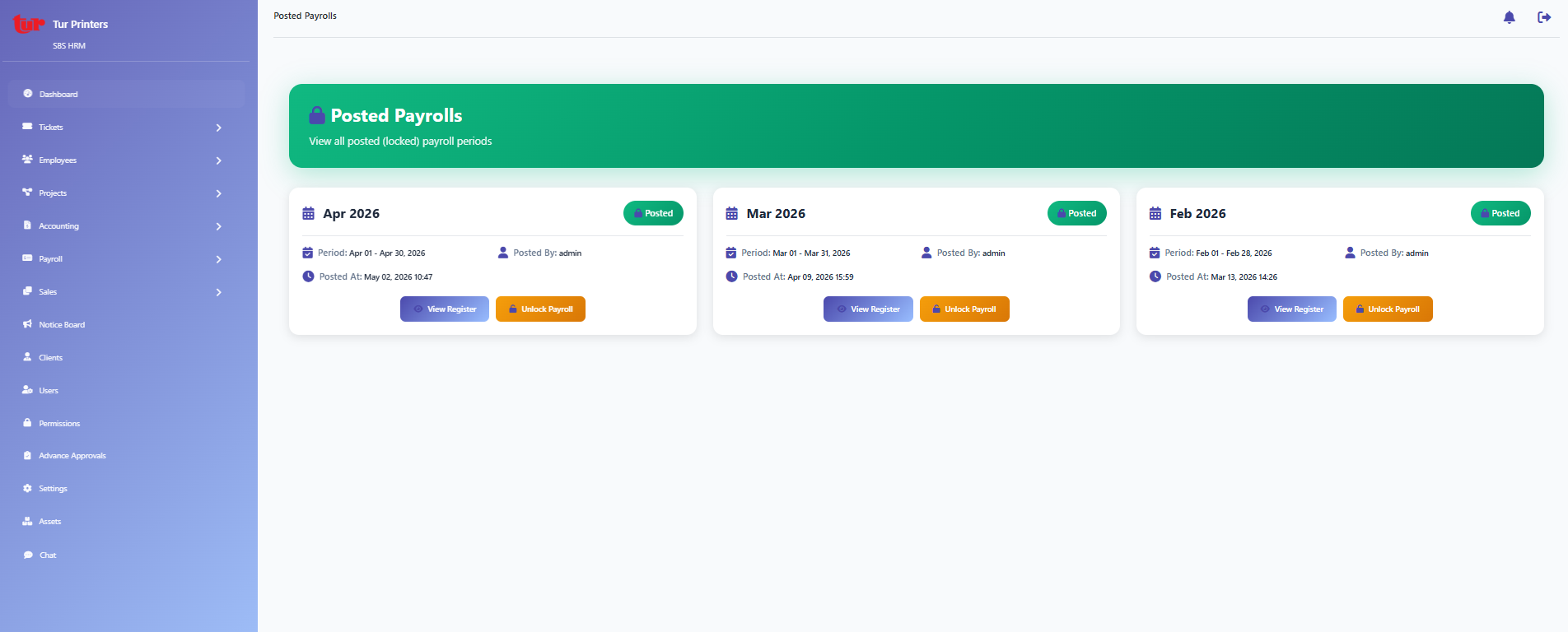
Locked / posted payroll periods.
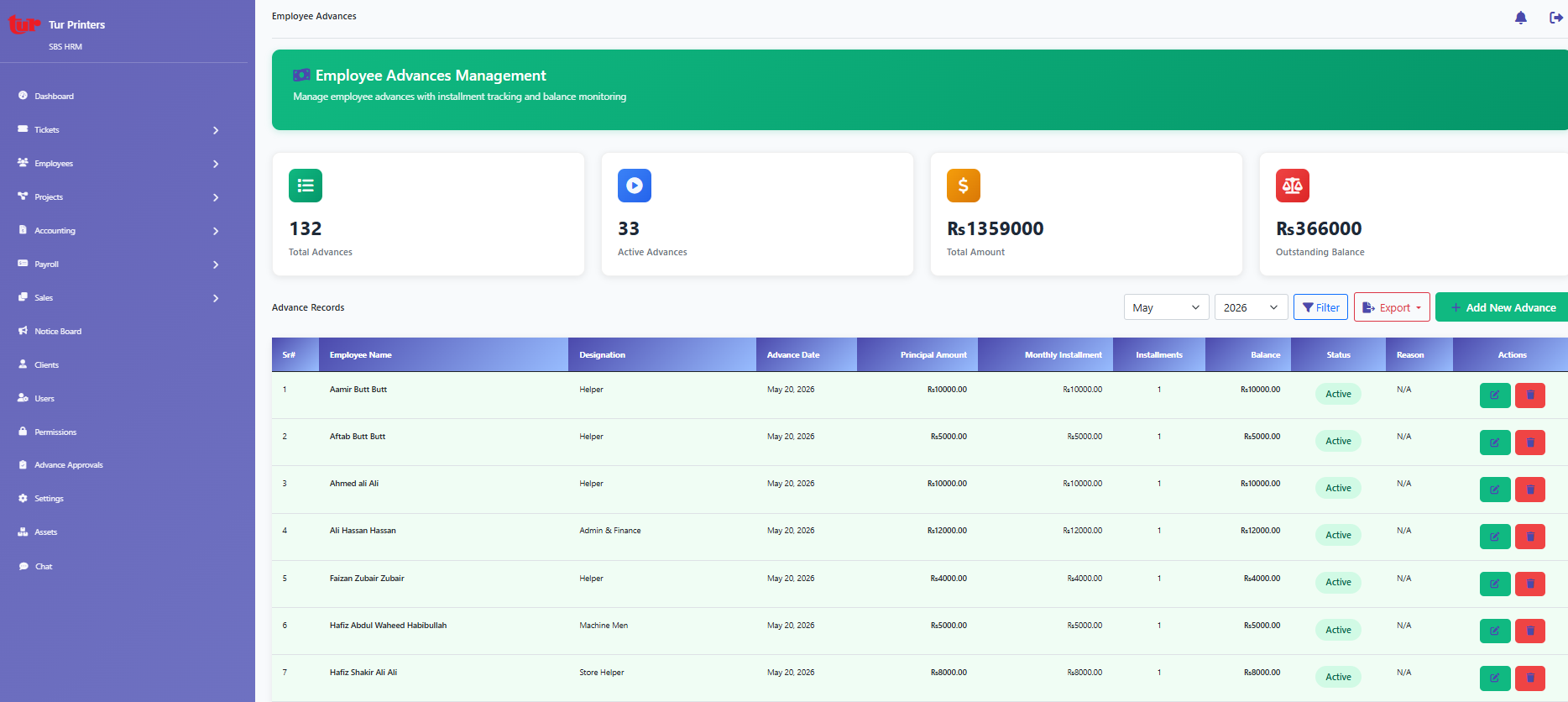
Advance requests outside payslip posting (`/manage-advances/`).
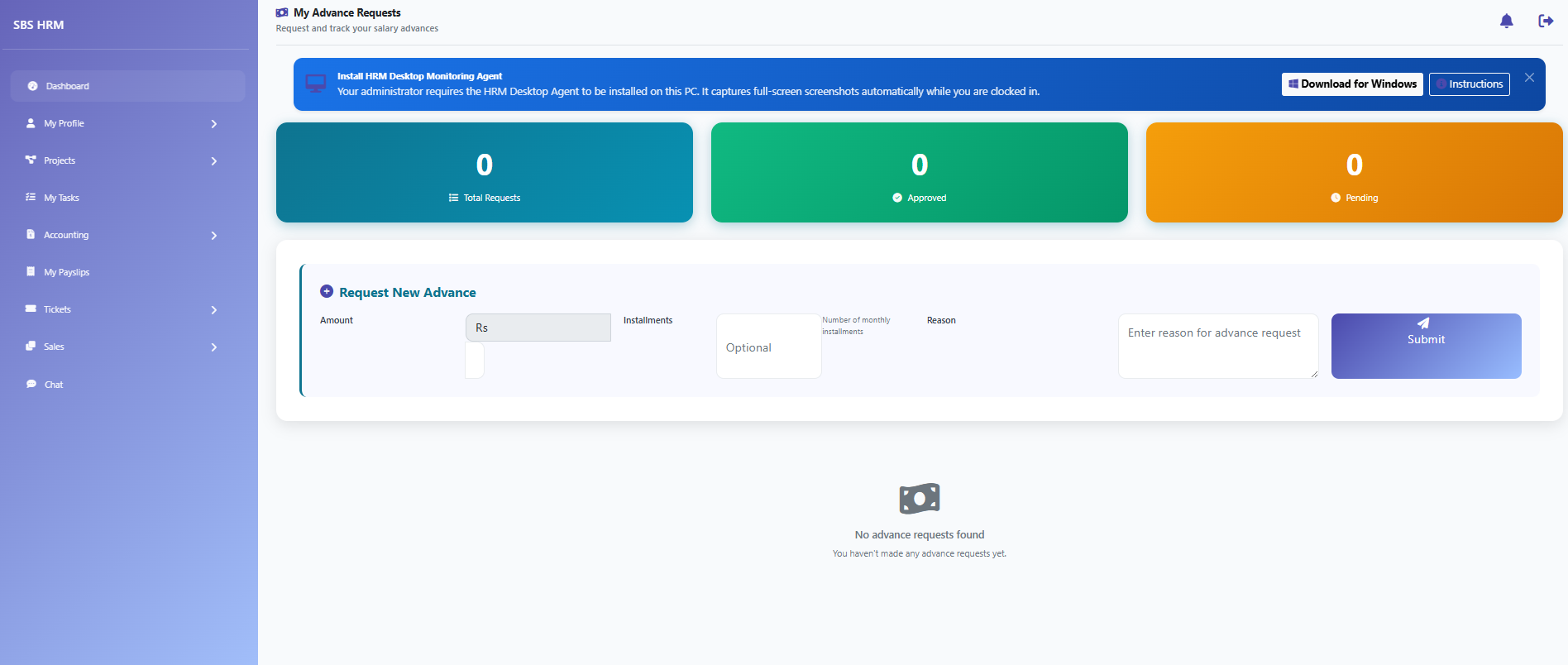
Employee view of advance requests.
Accounting
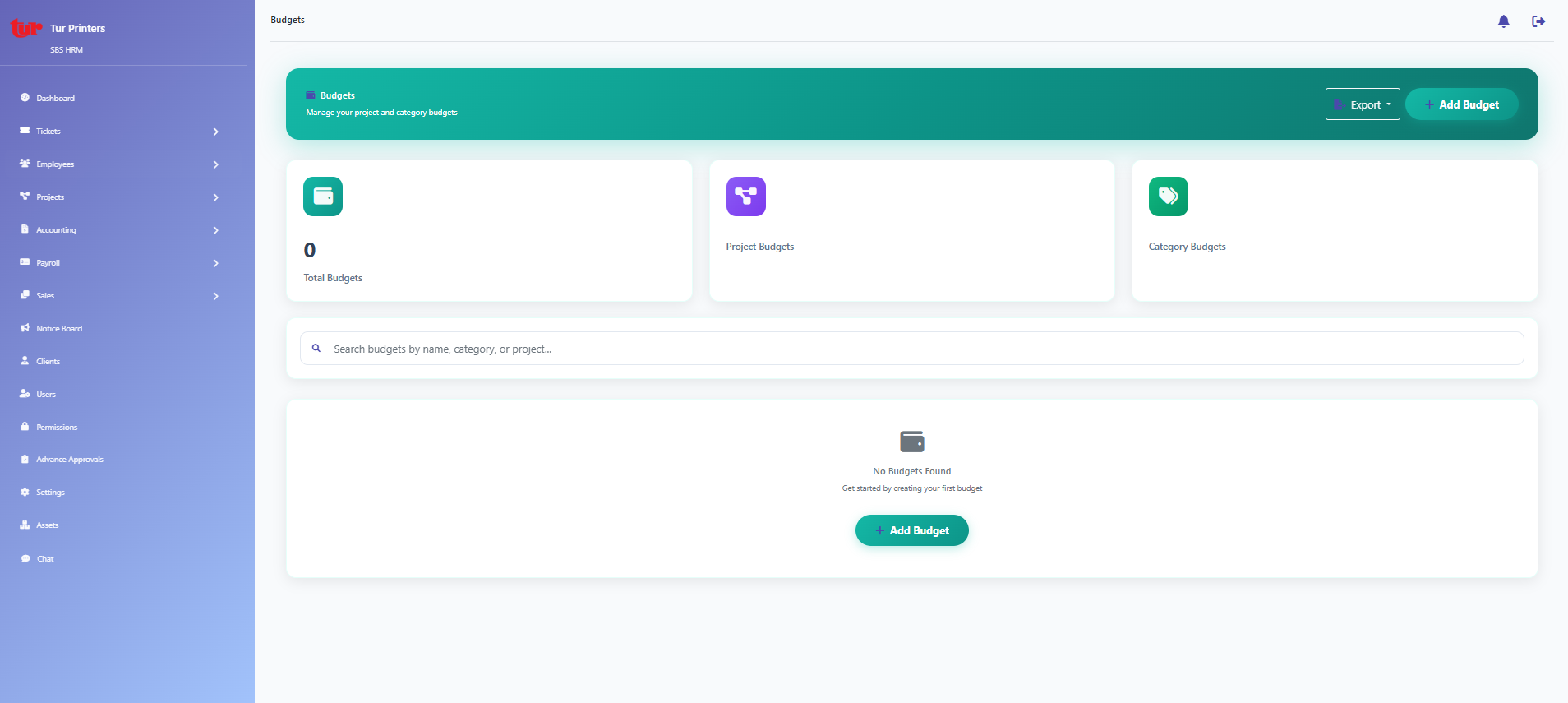
Budget definitions (`/core/accounting/budgets/`).
Category master for budgets.
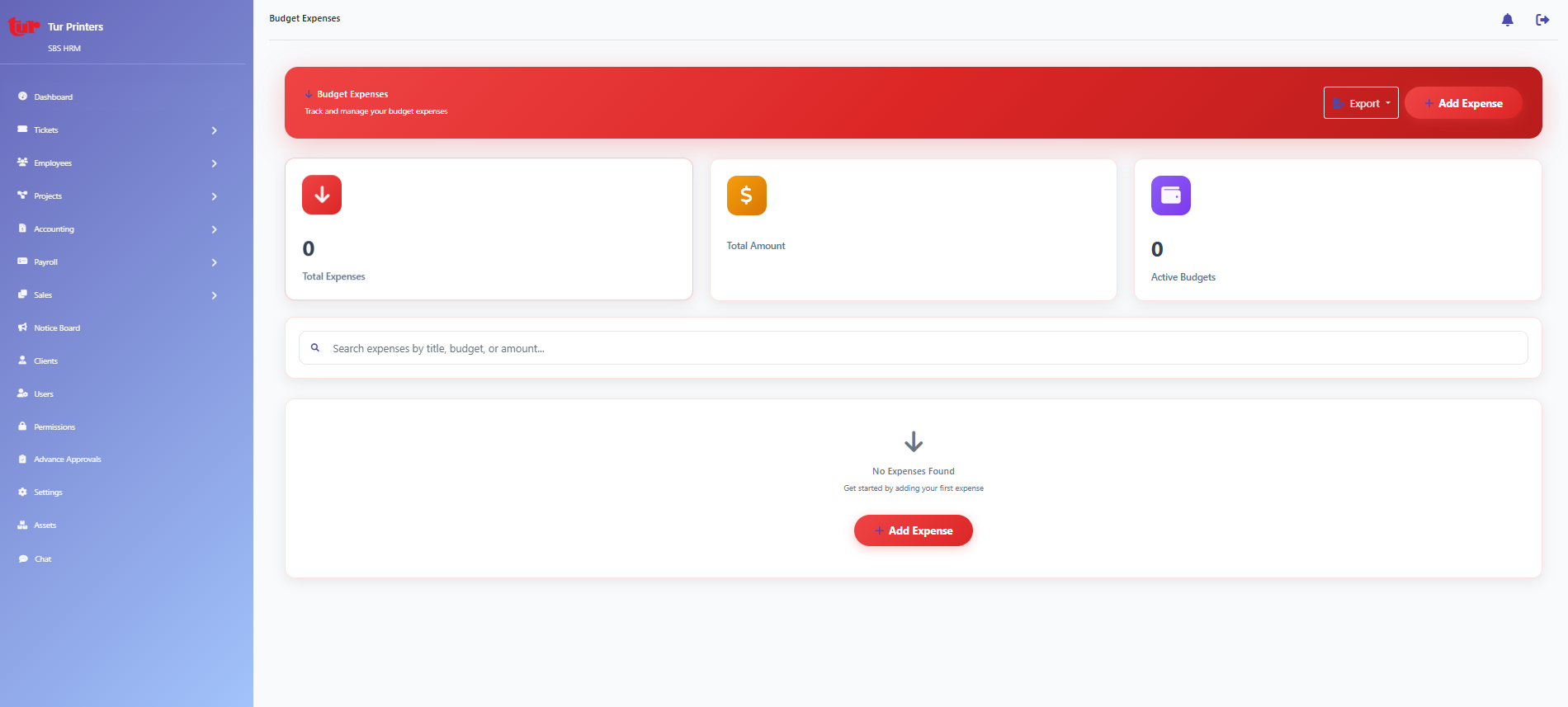
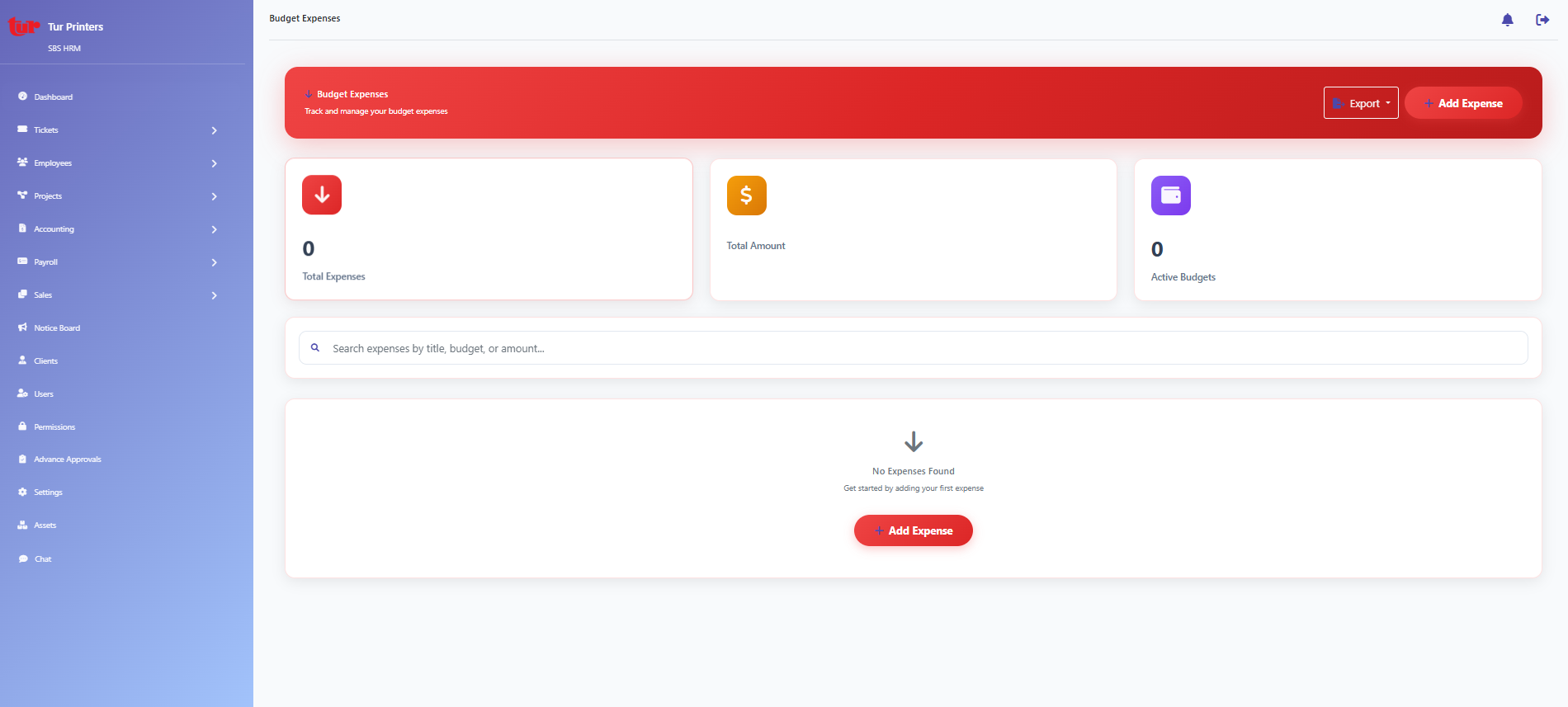
Expense side of budget tracking.
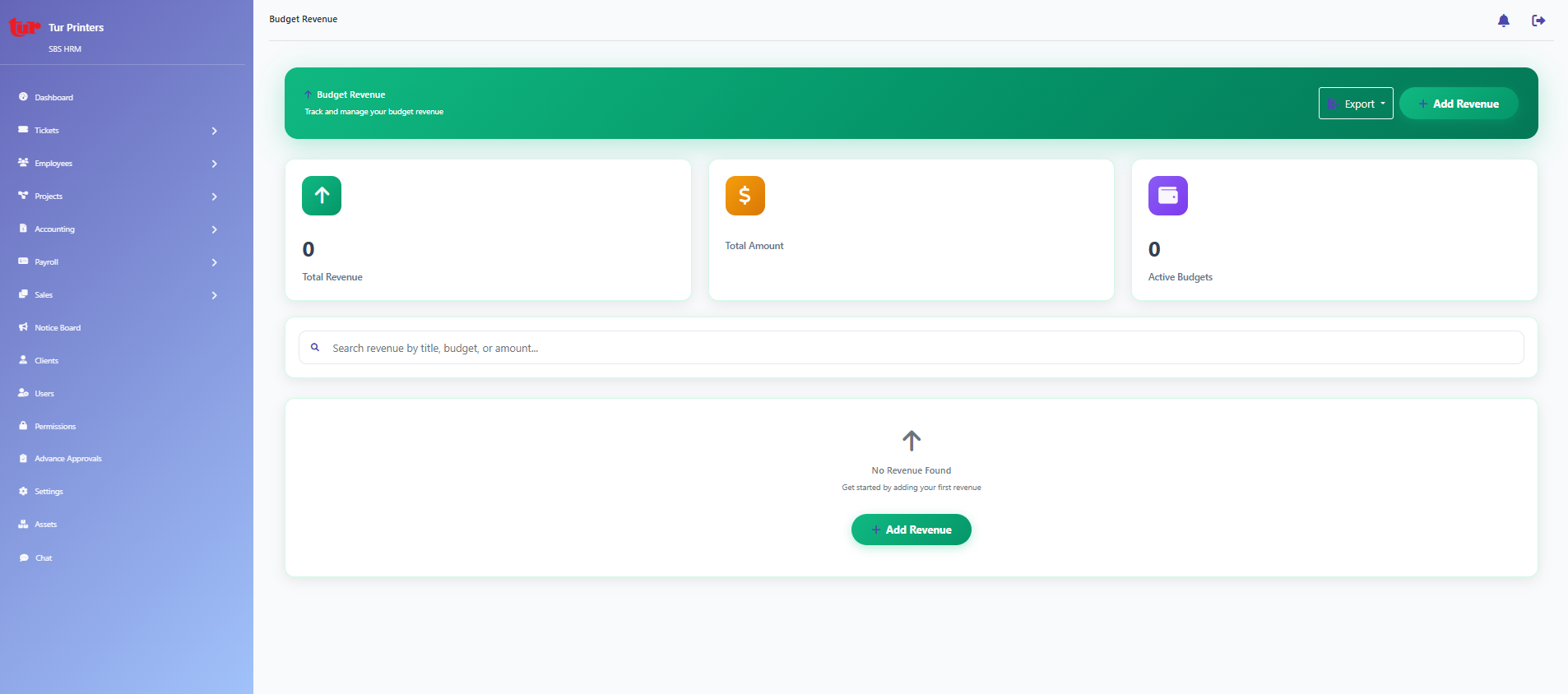
Revenue categories and budget lines.
Sales
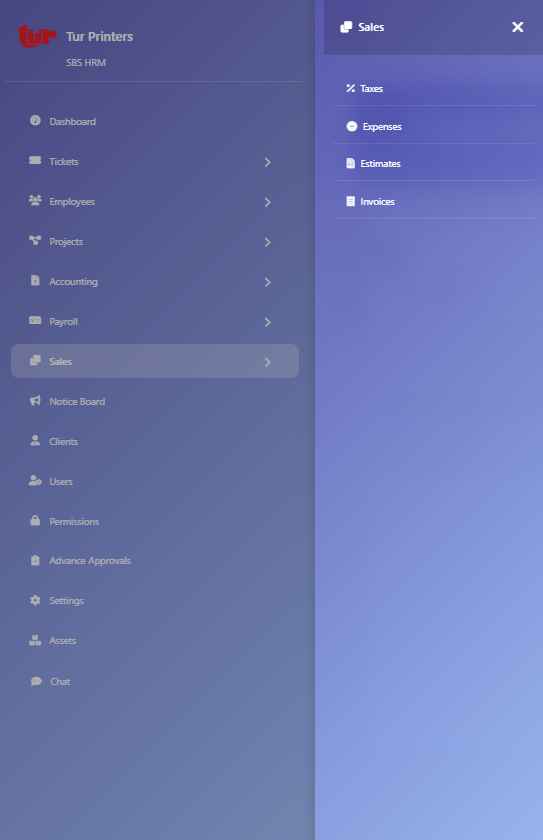
Operational expenses linked to sales.
Quotes and estimates.
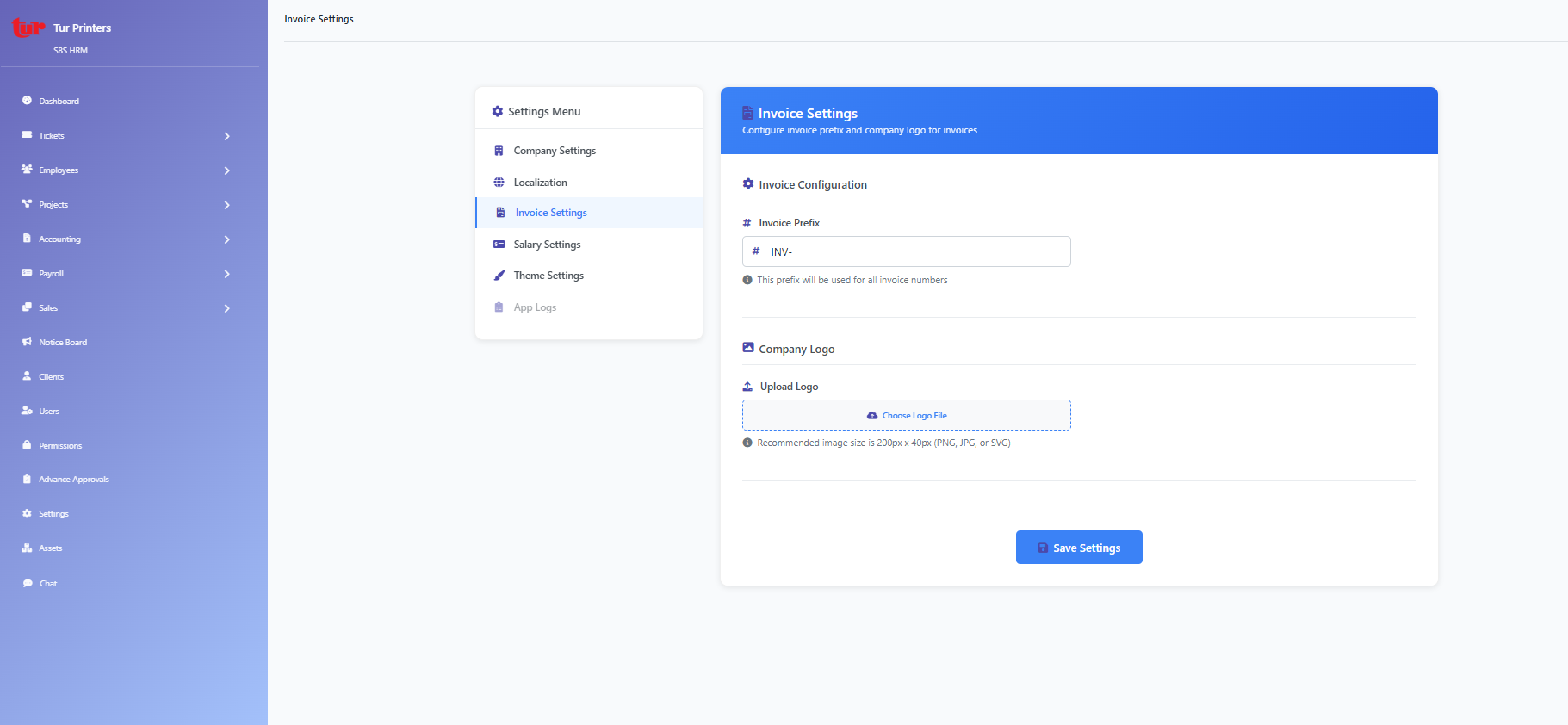
Invoicing and billing.
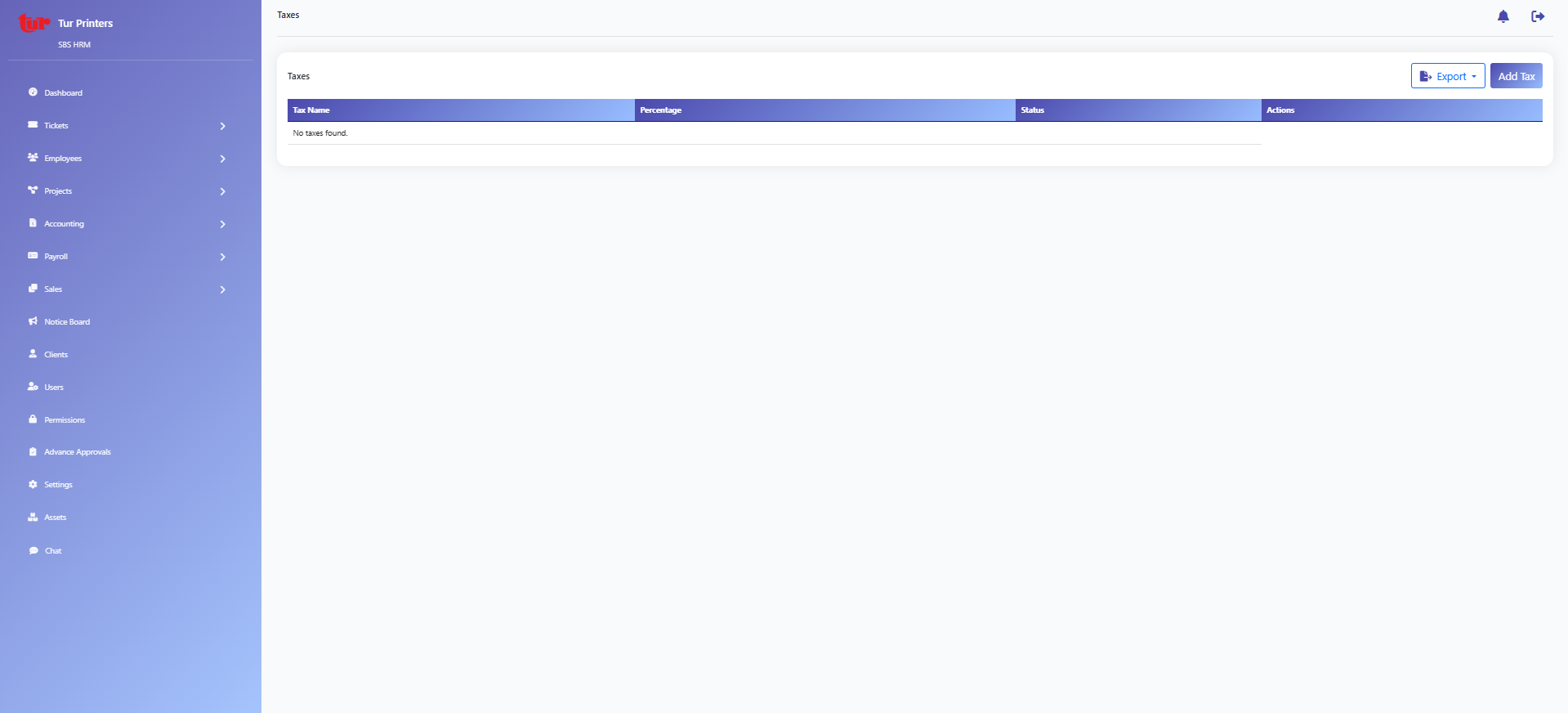
Tax codes for sales documents.
System
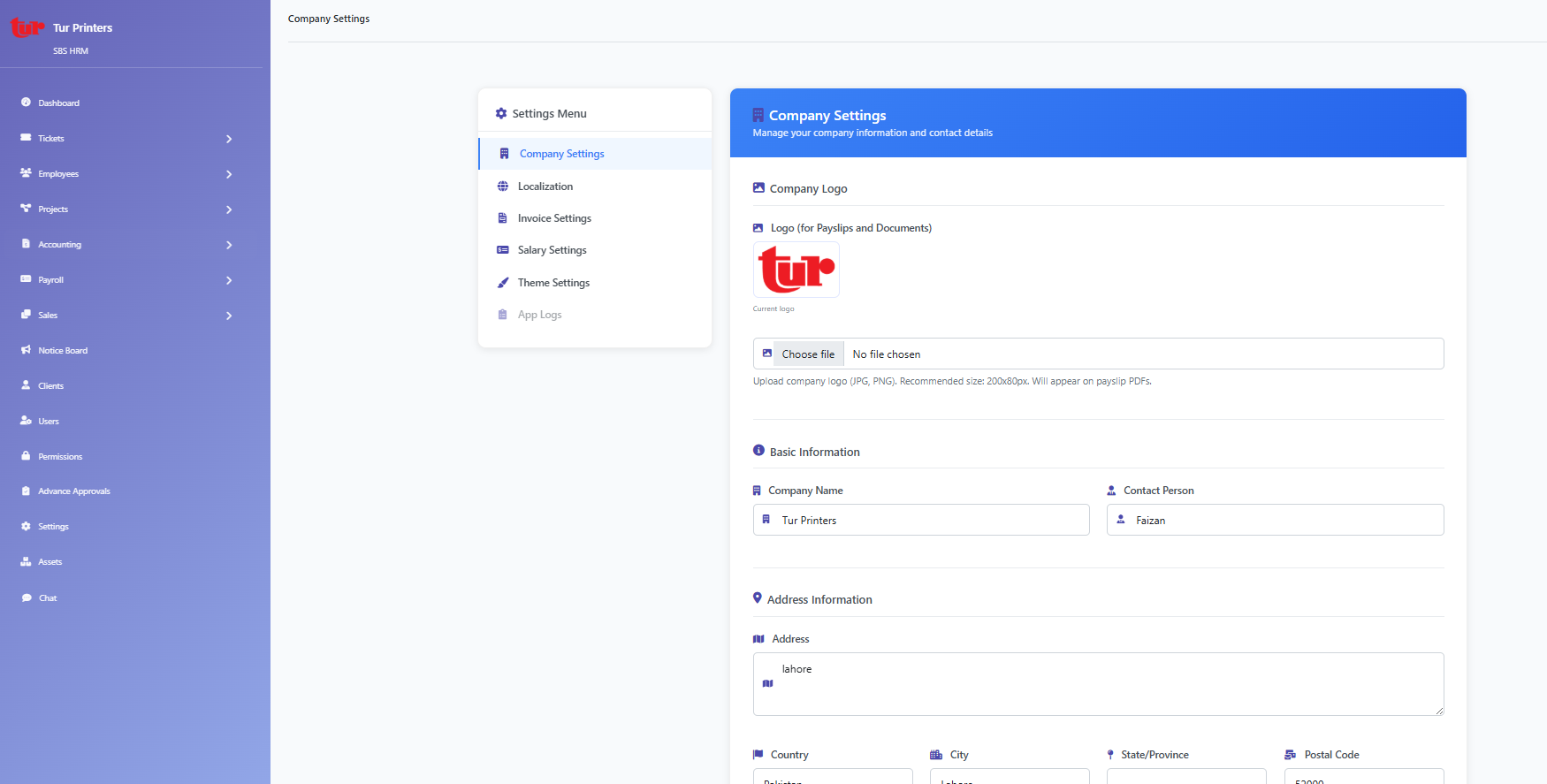
Core configuration hub (`/core/settings/`).
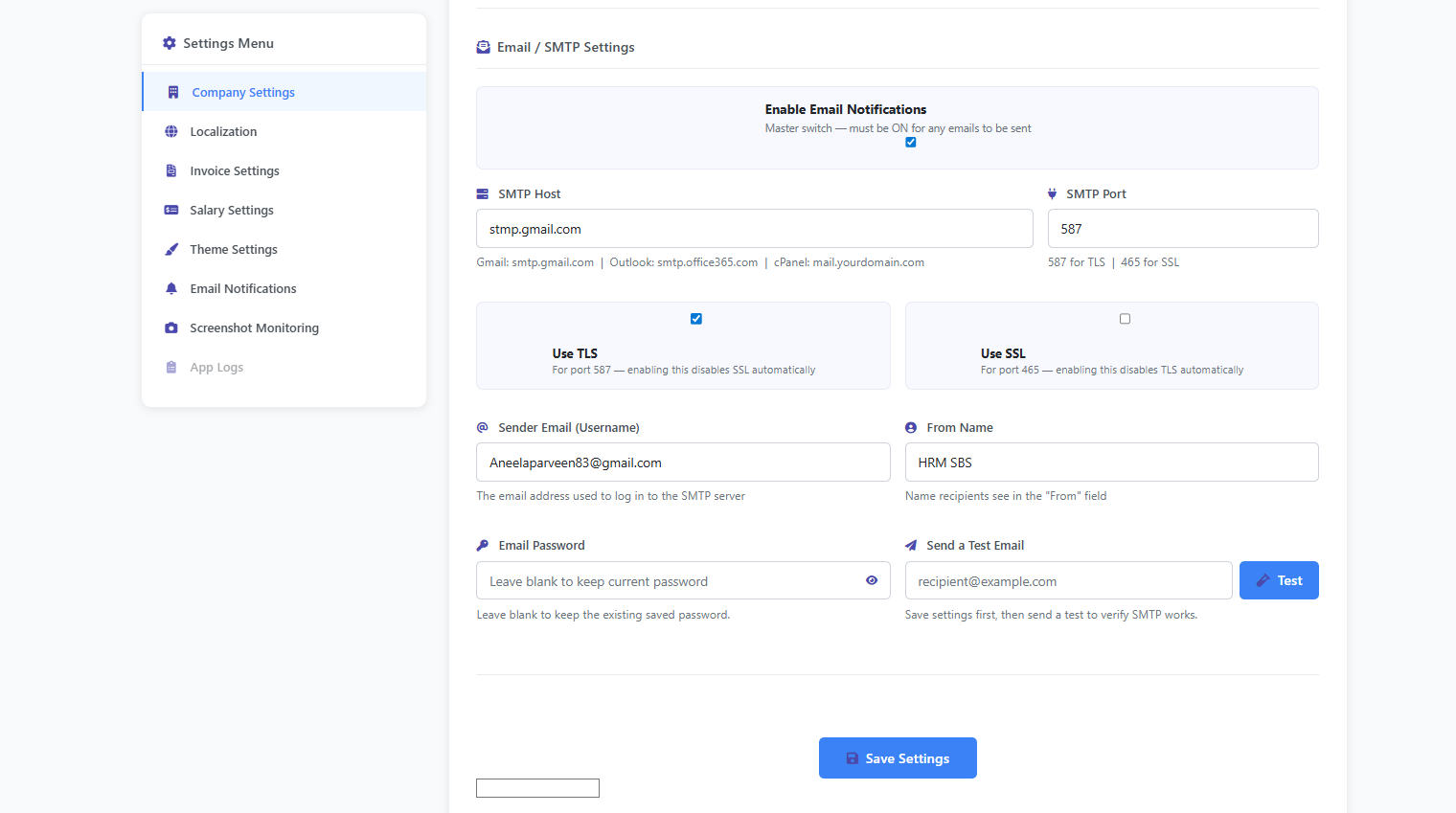
SMTP / notification email setup.
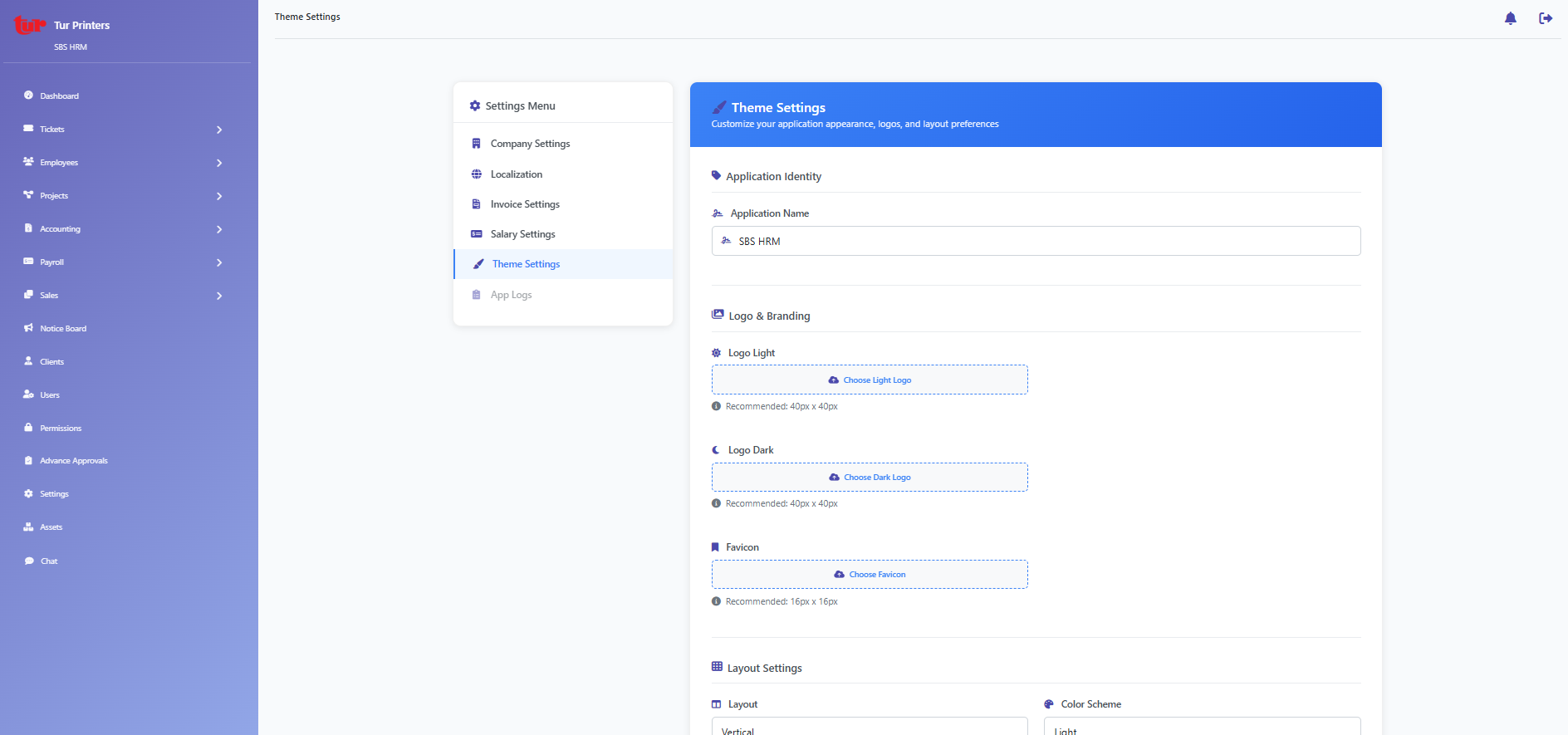
Branding and UI theme options.
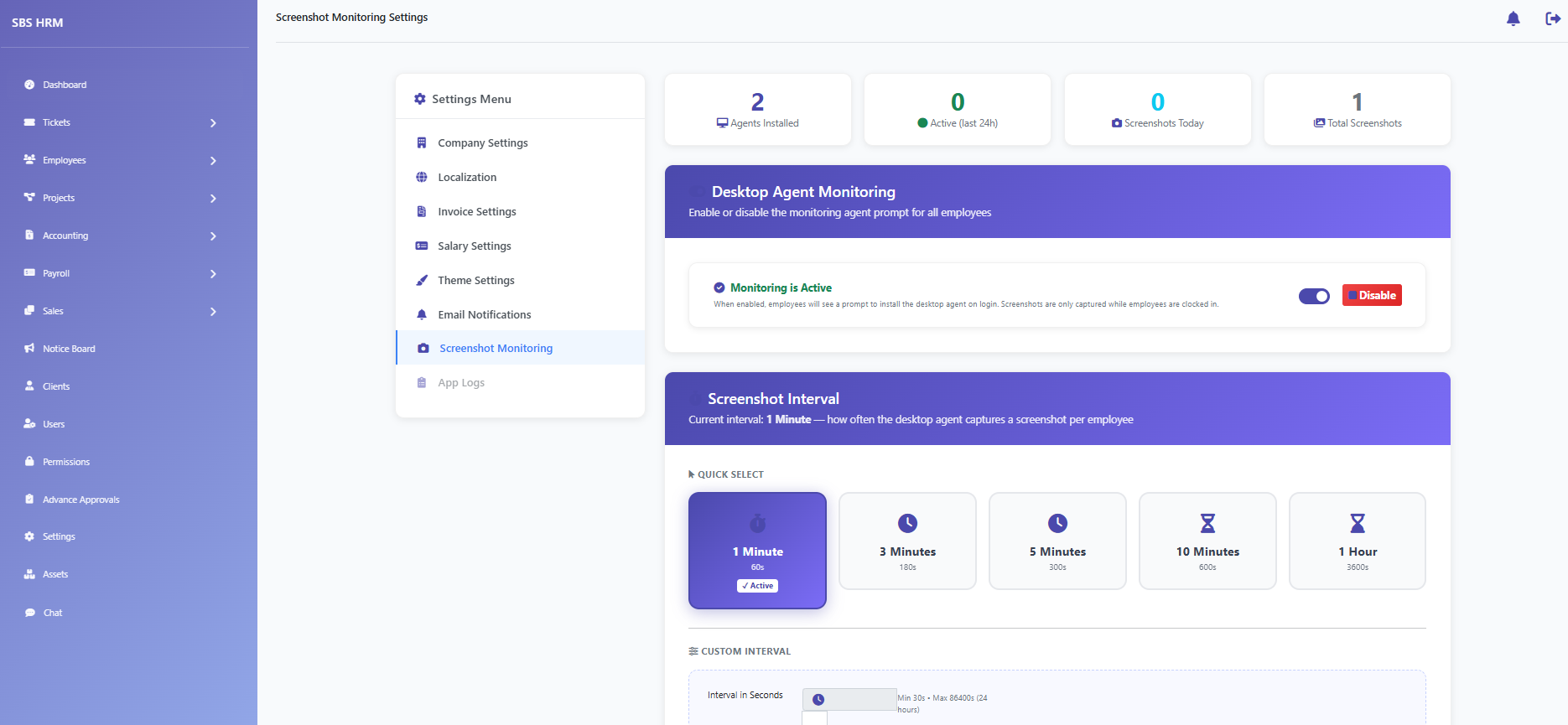
Policies for desktop screenshot capture.
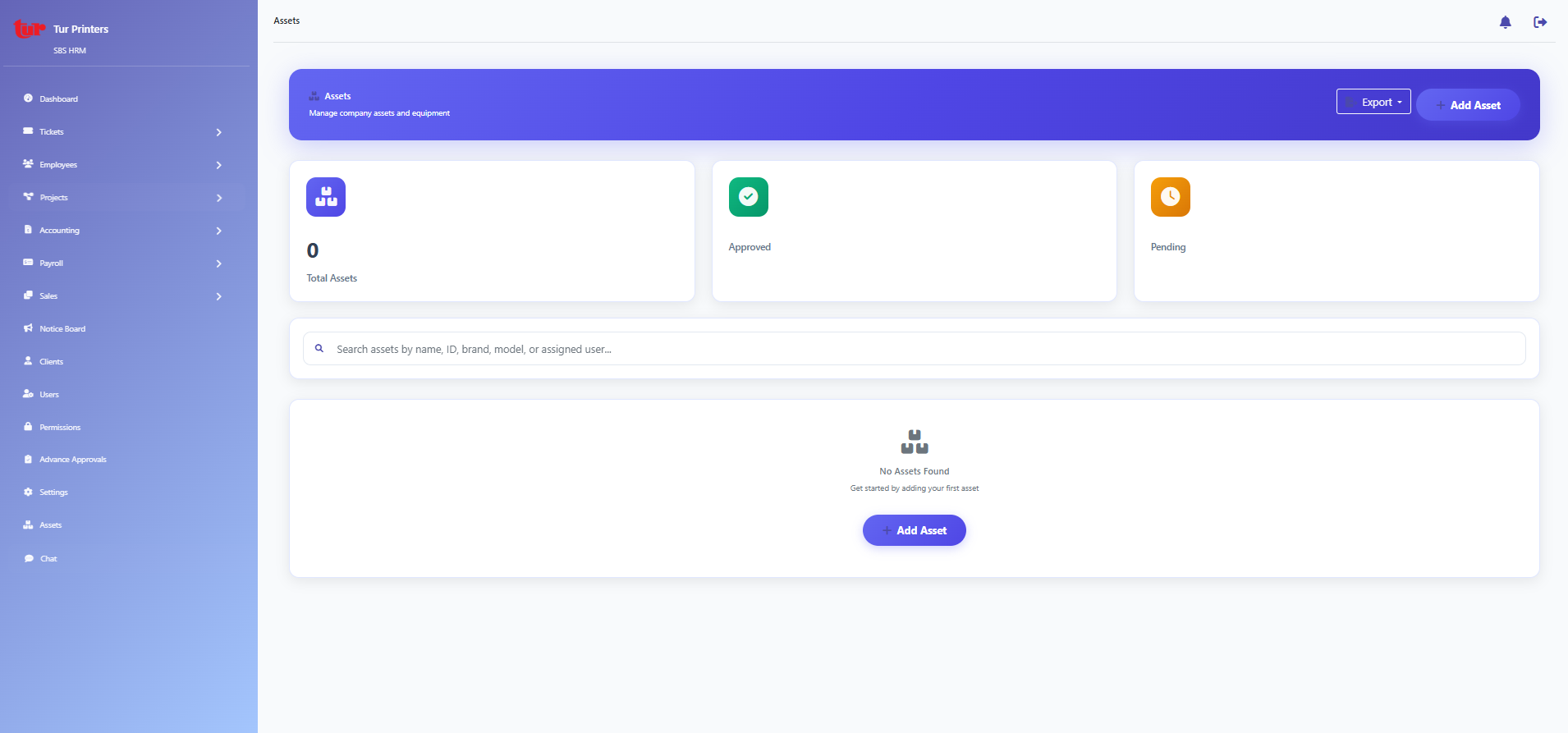
IT / fixed asset register (`/core/assets/`).
Administration
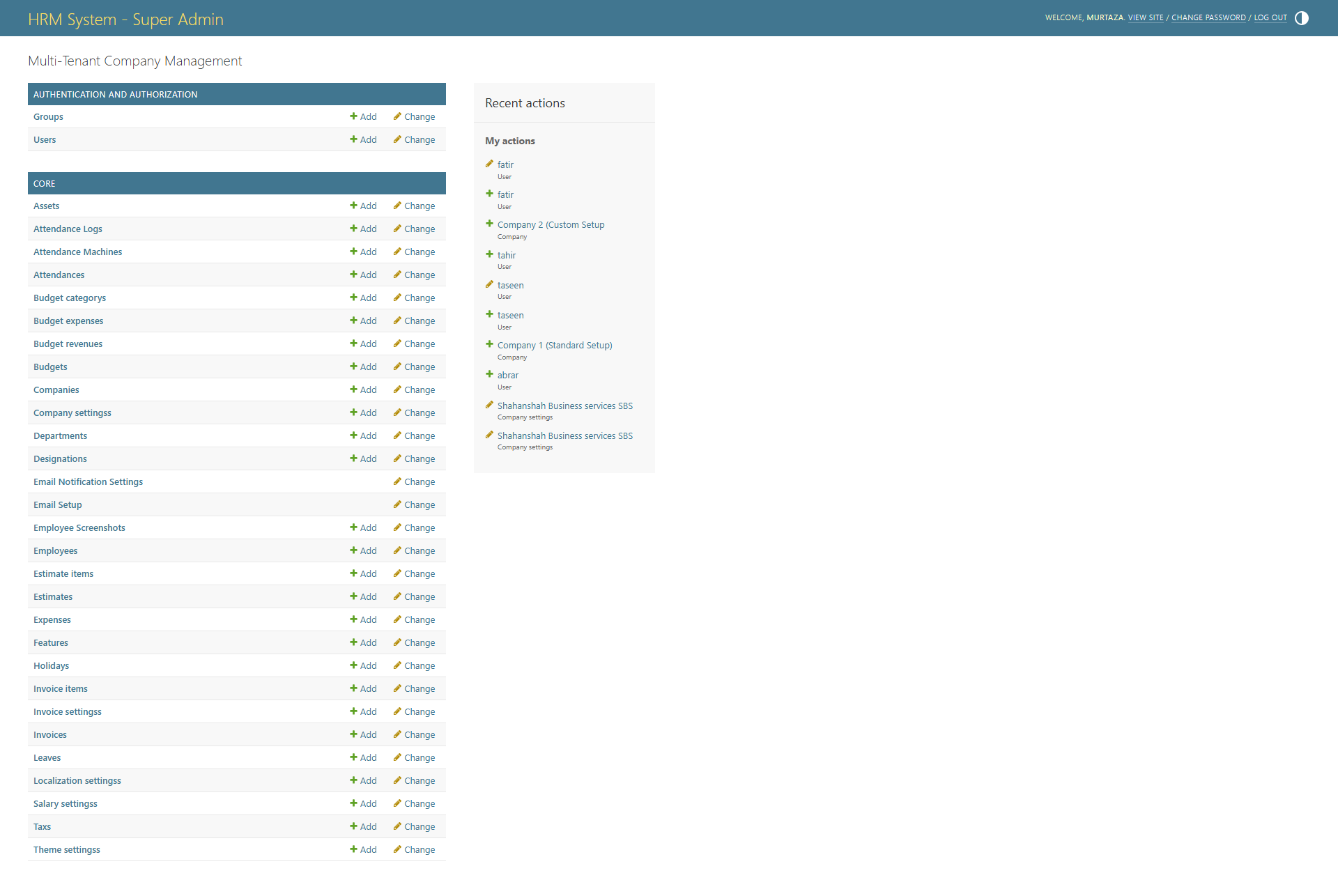
Low-level model admin (superuser).
Gallery tiles need PNG files under `frontend/public/screenshots/` (e.g. `sales-invoices.png`). From the repo root run `npm run capture:hrm` after configuring `tooling/hrm-screenshots/.env` with `HRM_BASE_URL=https://devhrm.sbstechnologies.pk` plus `HRM_USERNAME` / `HRM_PASSWORD` (or `HRM_STORAGE_STATE_PATH`). Never commit secrets. Sales/settings modules use `/core/...` paths on this deployment — the capture map in `tooling/hrm-screenshots/src/routes.ts` already matches that. Alternatively set `NEXT_PUBLIC_SCREENSHOT_BASE_URL` on the frontend to load images from your CDN. Set `HRM_CAPTURE_STRICT=1` to fail the capture test when any route errors.